

10. API Keys and 11. API connections in Spotlight
Navigate to https://aicpanel.smsit.ai/home
SMS-iT's platform allows you to easily generate API keys, enabling seamless integration with any external system that supports API connections. This feature empowers you to connect SMS-iT with a wide range of third-party applications and services, enhancing your ability to automate workflows and exchange data across your technology stack.
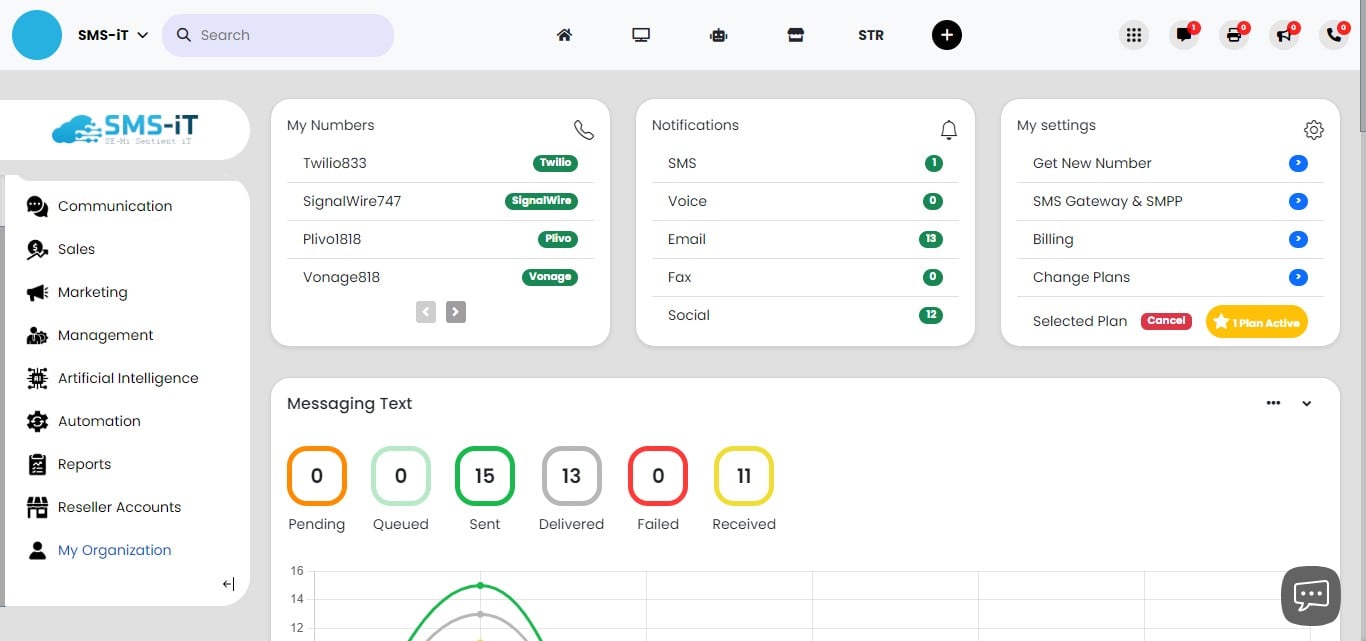
Click on "My Organization"

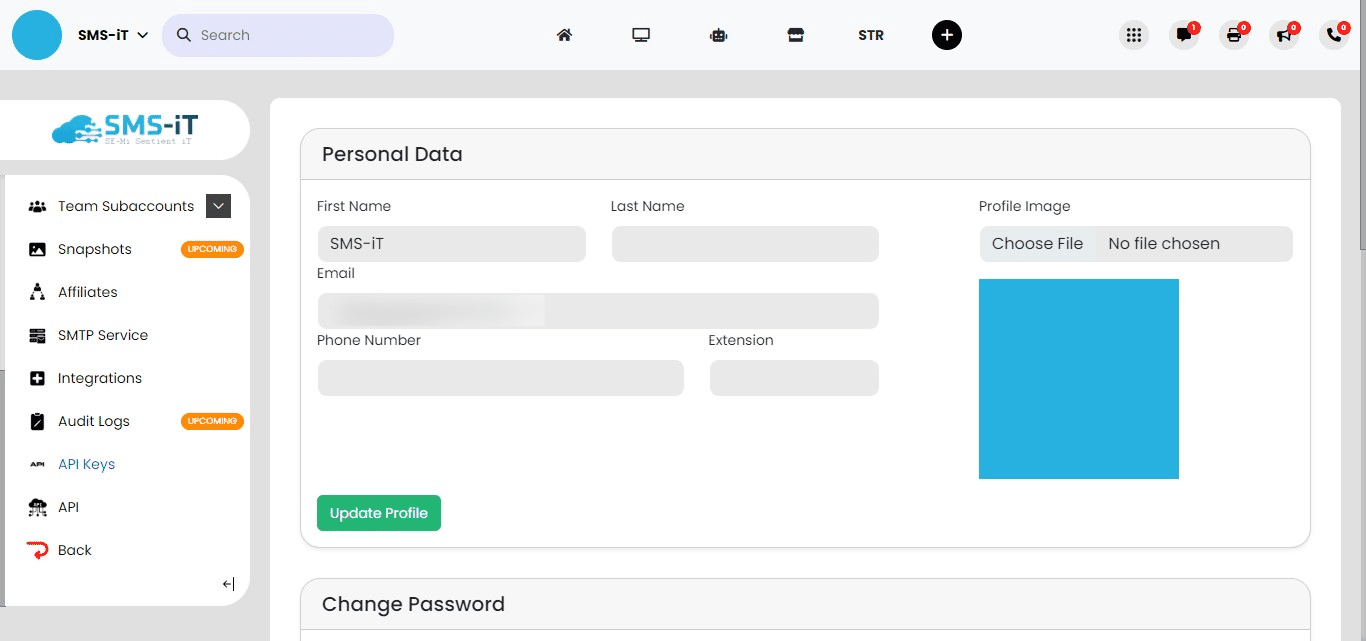
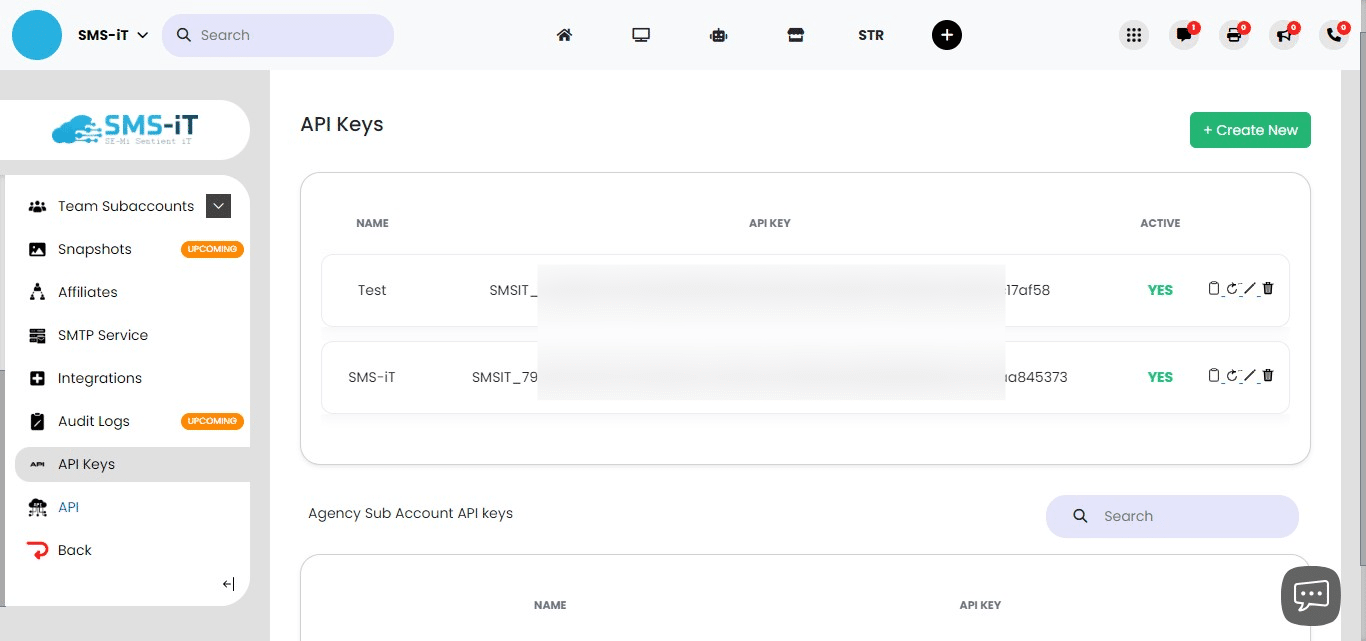
Click on "API Keys"
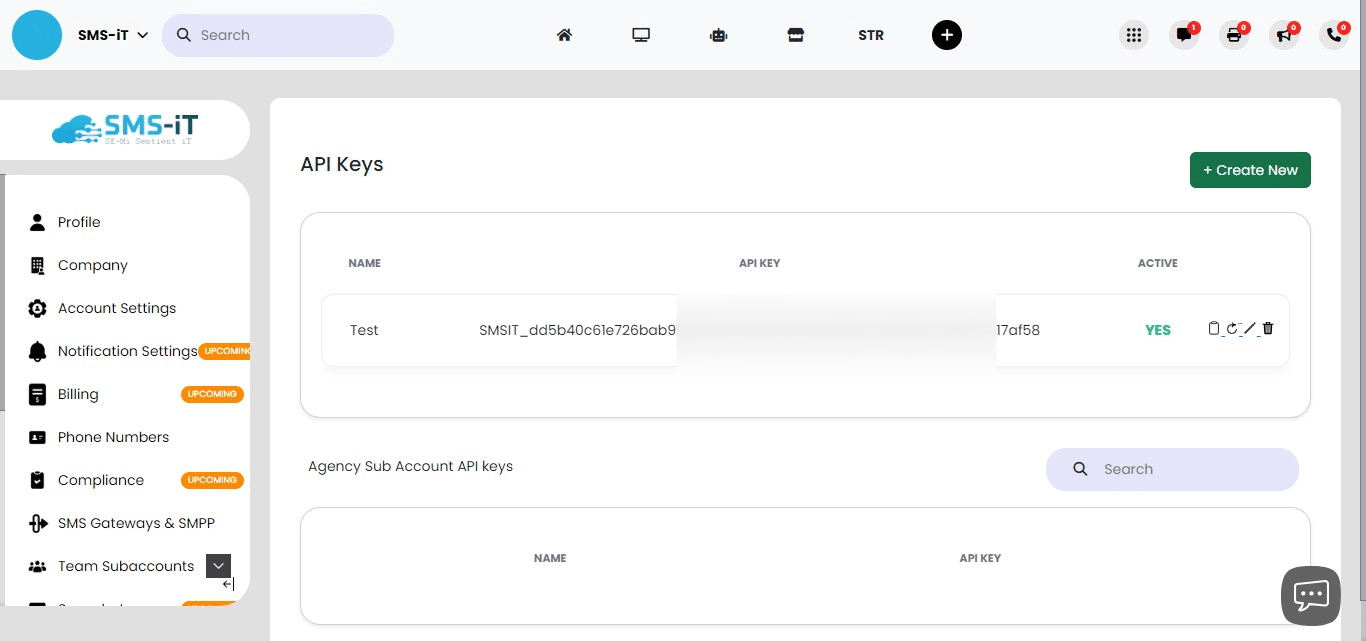
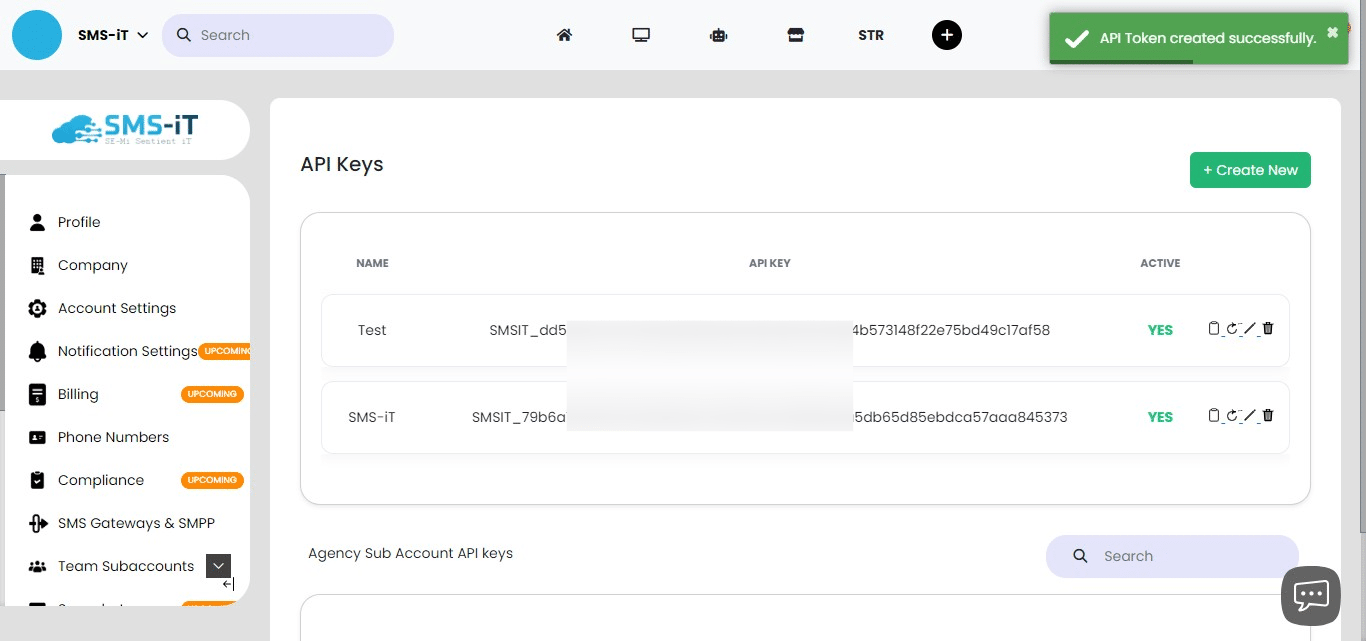
Create API token
Click on "+ Create New"
Assign a descriptive name to your new API key, then click the "Save" button to create it.
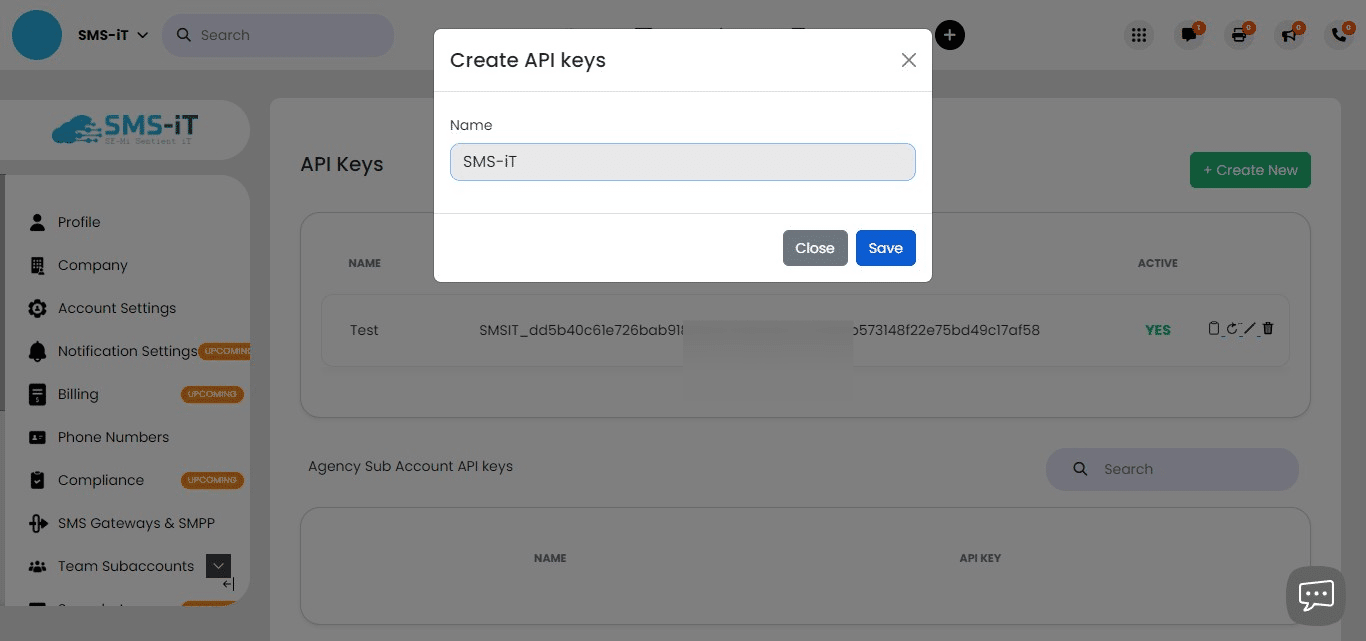
After saving, your new API token will be generated and displayed.
API connections
Click on "API"
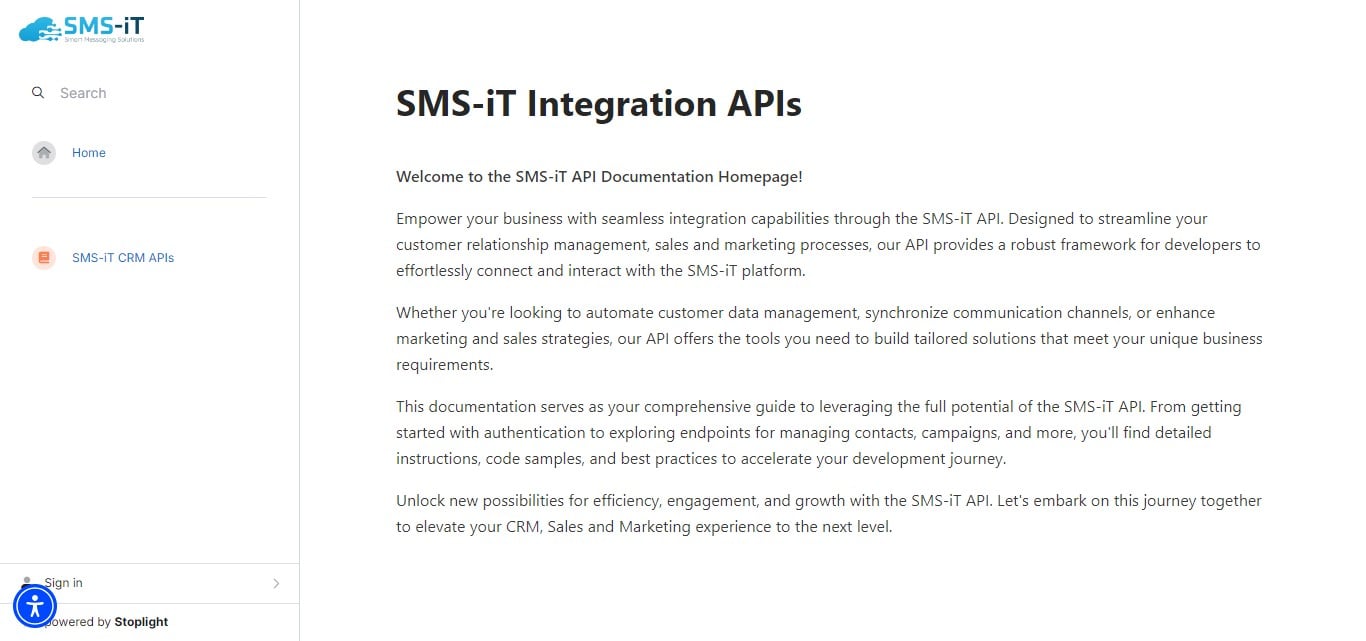
Click on "SMS-iT CRM API's"
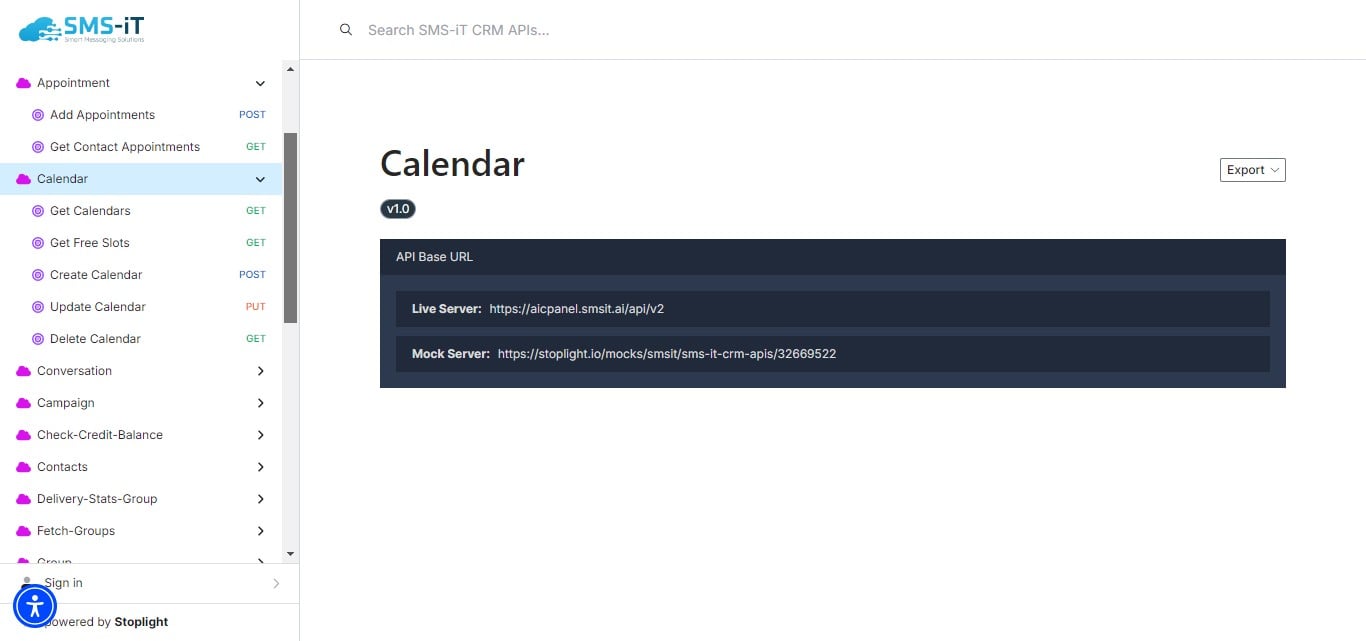
SMS-iT CRM offers API endpoints for most of its functions. As a developer, scroll through the list to find the specific API connections you need for your unique use case. These APIs allow you to integrate SMS-iT CRM's functionality into your custom applications or workflow
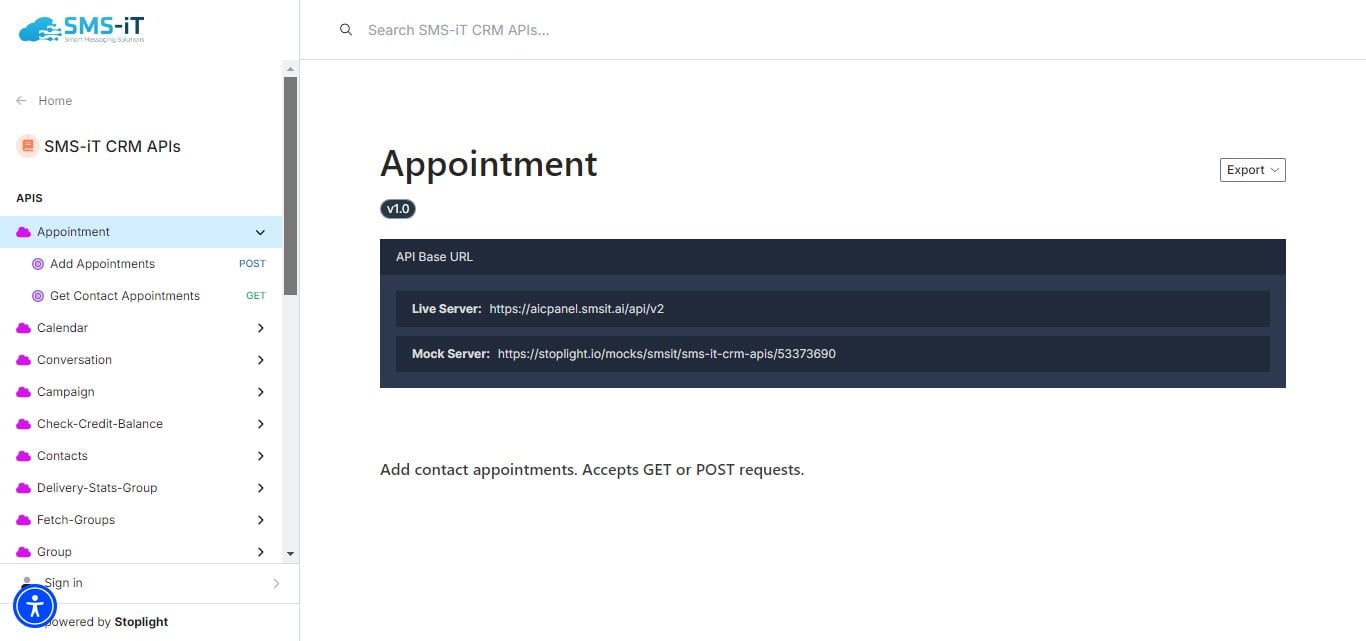
To test your API integrations, you can use the Spotlight application's sandbox environment with their mock server. Note that you'll need to create a Spotlight account to access this feature.
Section Summary: This section guides users through creating and managing API keys in SMS-iT CRM, as well as exploring available API connections. This functionality is particularly beneficial for:
Solo entrepreneurs: Easily integrate SMS-iT CRM with other tools to streamline workflows. Marketing agencies: Connect SMS-iT CRM with various marketing platforms for seamless data flow. Small businesses: Automate processes by linking SMS-iT CRM with other business systems. Blue-collar professionals: Integrate SMS-iT CRM with industry-specific software for improved client management. By leveraging API connections, users can customize and extend the functionality of SMS-iT CRM to meet their specific business needs, enhancing productivity and efficiency.