

2. Company
Navigate to https://aicpanel.smsit.ai/users/account
Click on "Company"
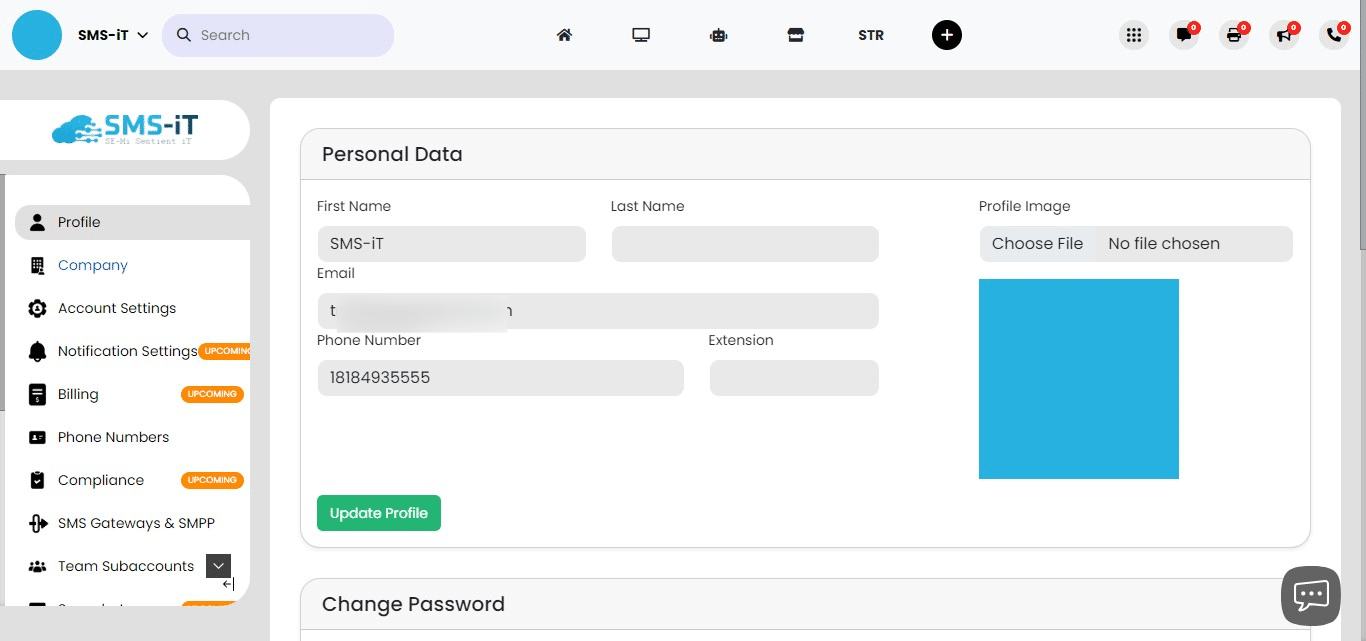

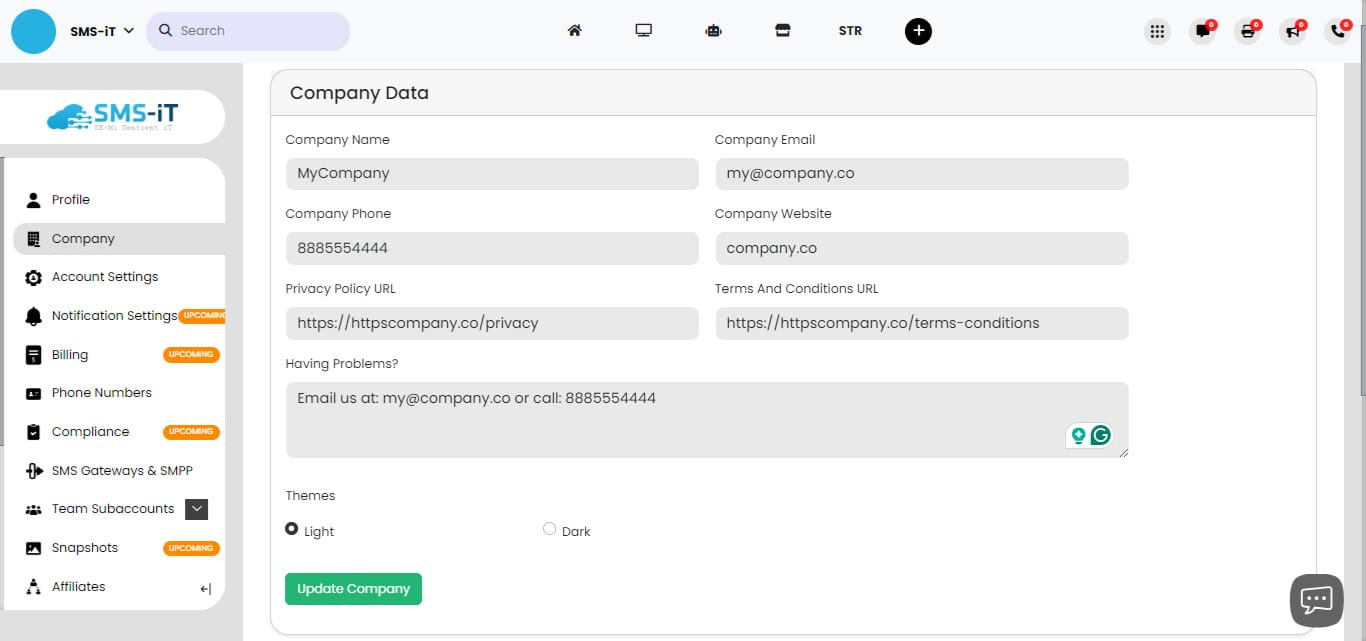
Configuring Company Data:
Enter your Company Name in the designated field. Provide the company's official Email address. Input the company Phone number. Add your company Website URL. If available, enter the Privacy Policy URL. Include the Terms and Conditions URL. Fill in the Customer Support information (e.g., email, phone number). After entering all required information, click "Update Company" or "Save Company" to store your changes.
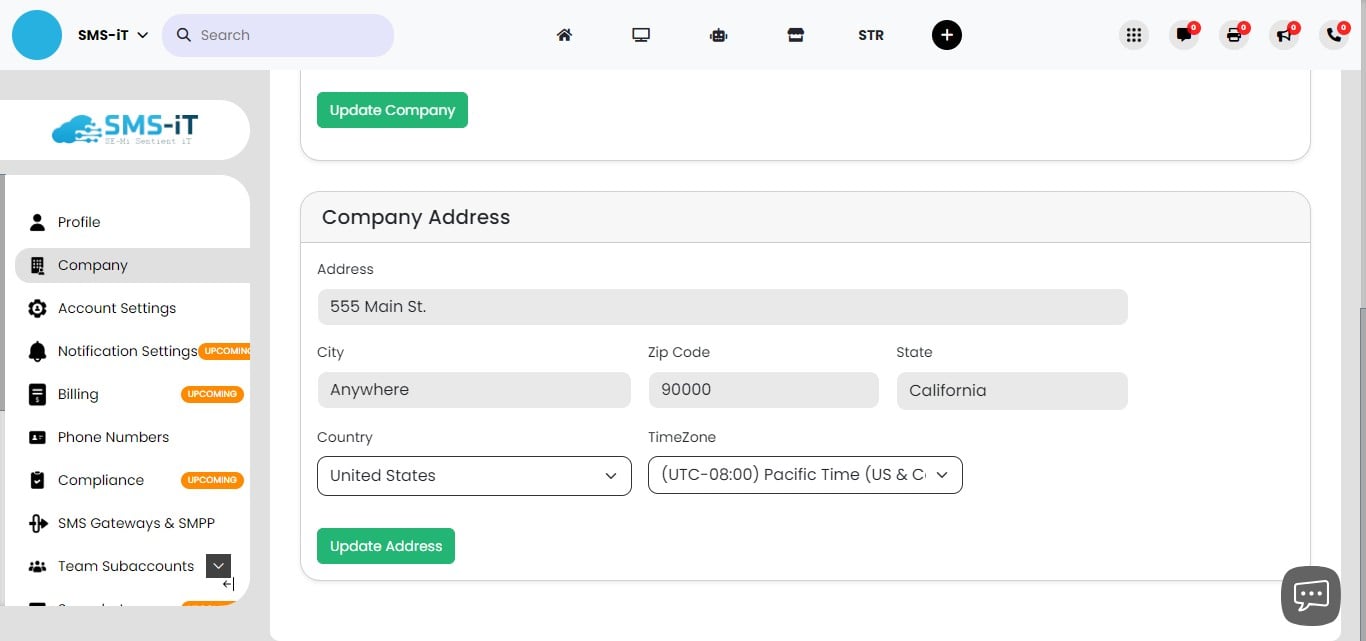
Entering Company Address:
Fill in the following details:
Street Address City State/Province Postal/ZIP Code Country
Double-check all entered information for accuracy. Click "Save" or "Update" to confirm and store the address details.
Summary: The Company section of SMS-iT CRM allows businesses to input and manage their official company information within the platform. For solo entrepreneurs, marketing agencies, small businesses, and professionals, maintaining accurate and up-to-date company details is crucial for establishing credibility and ensuring clear communication with clients. Properly configured company information, including contact details and legal URLs, helps streamline customer support processes and maintains compliance with privacy and legal requirements.