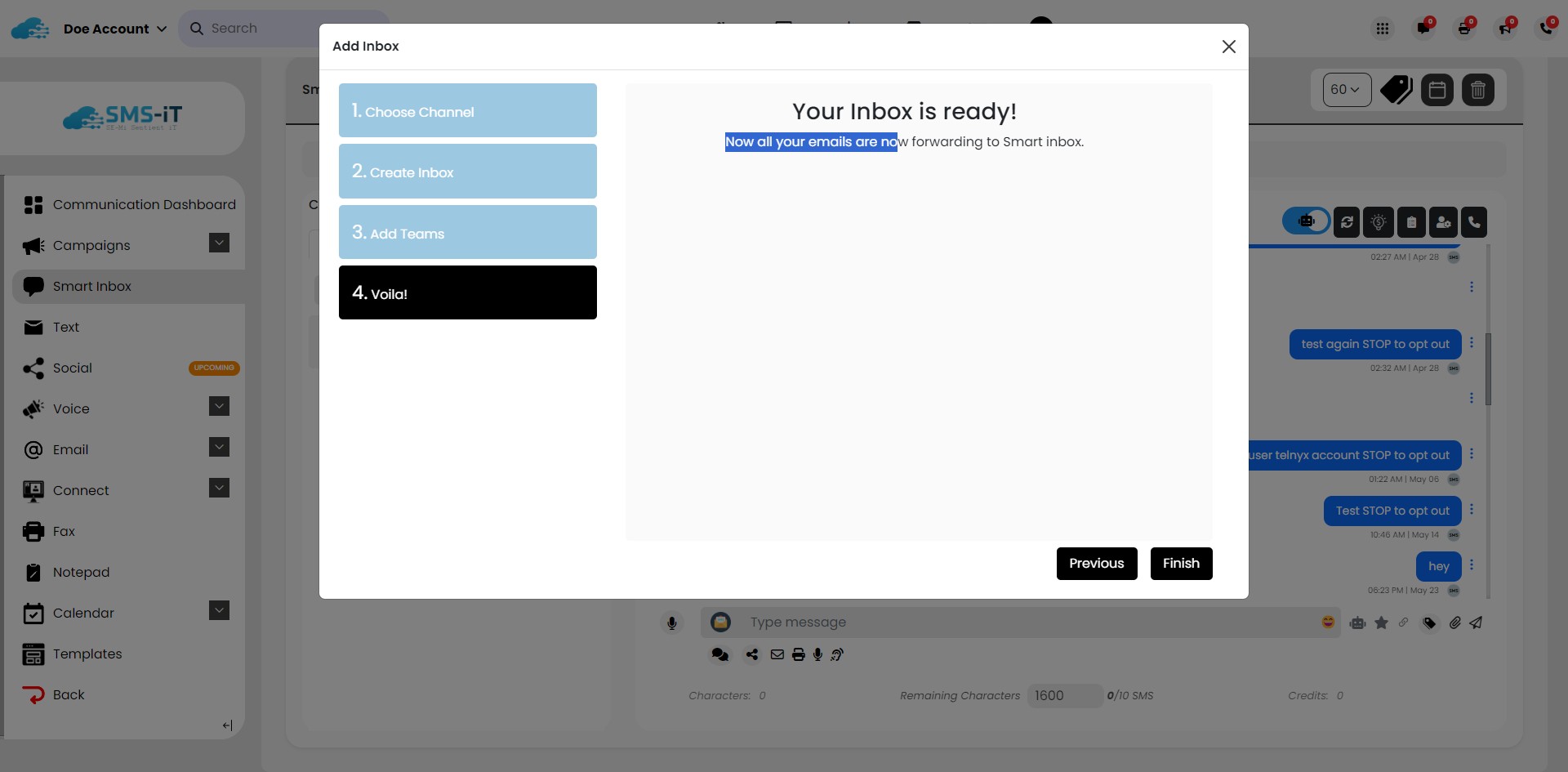

Email - SMTP
Aug 12, 2024●
1
Navigate to your hosting dashboard.
2
Click on "Email Accounts"
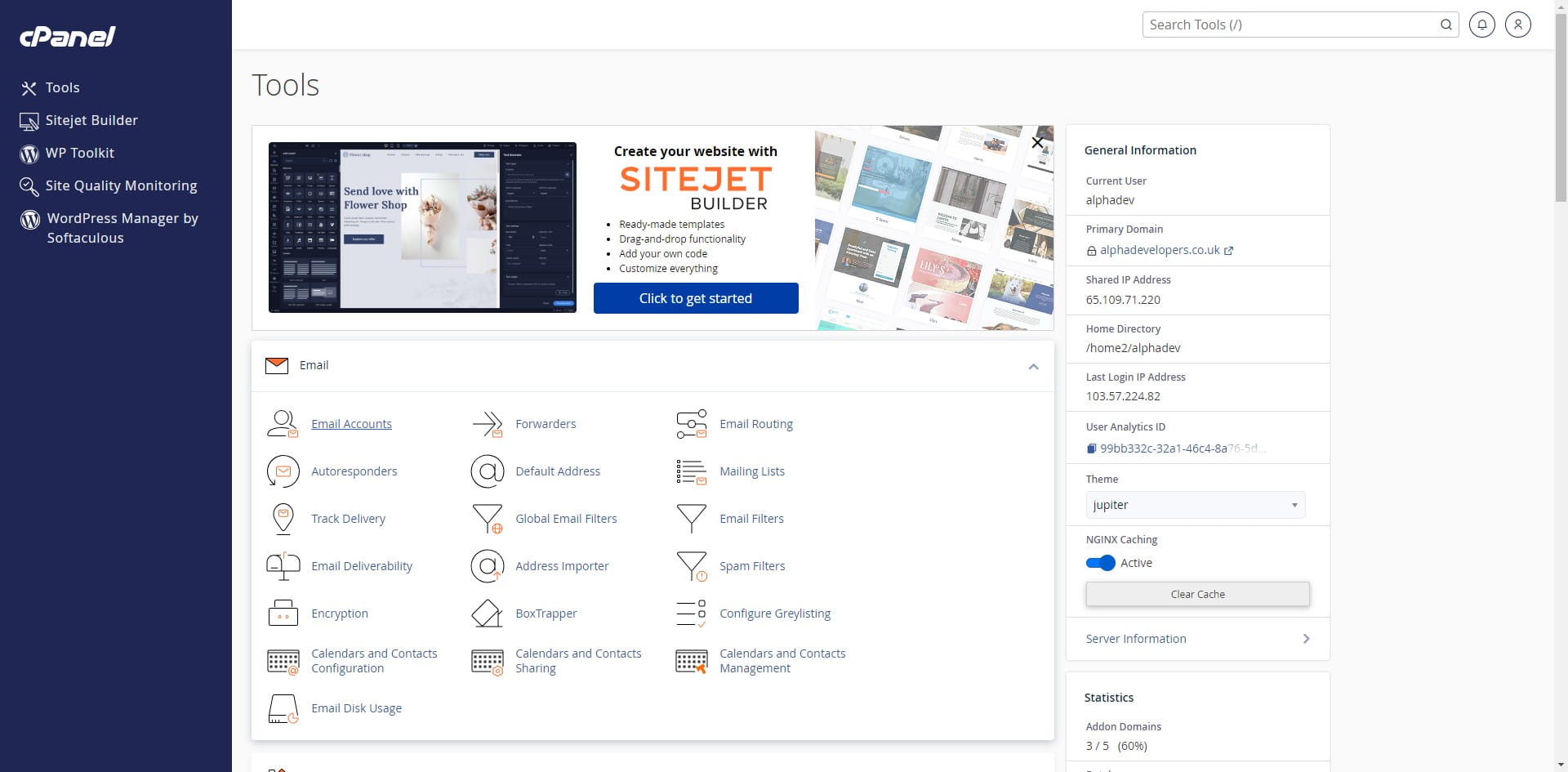

3
Click here
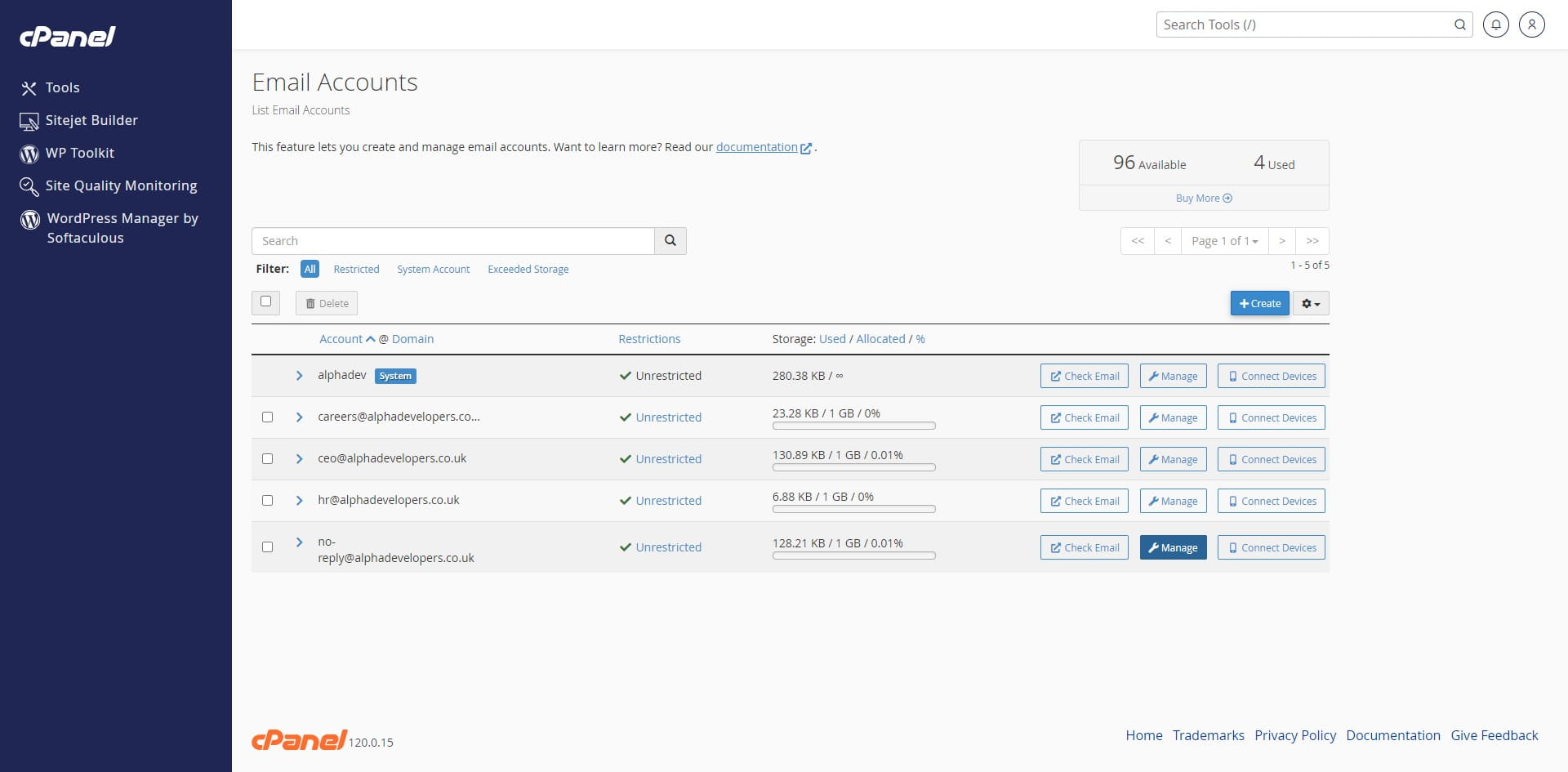
4
Click this icon
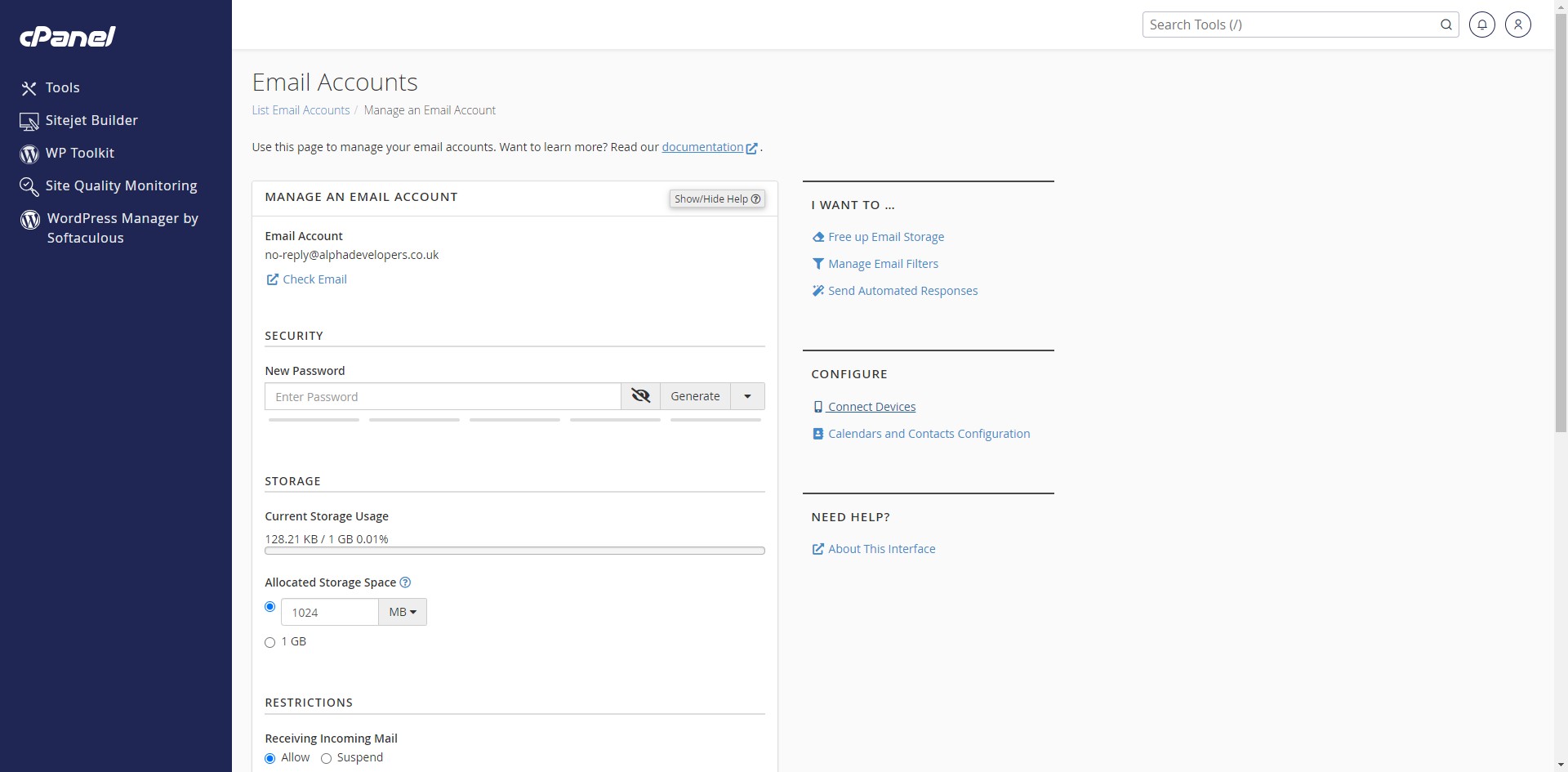
5
Click on "Inbox"
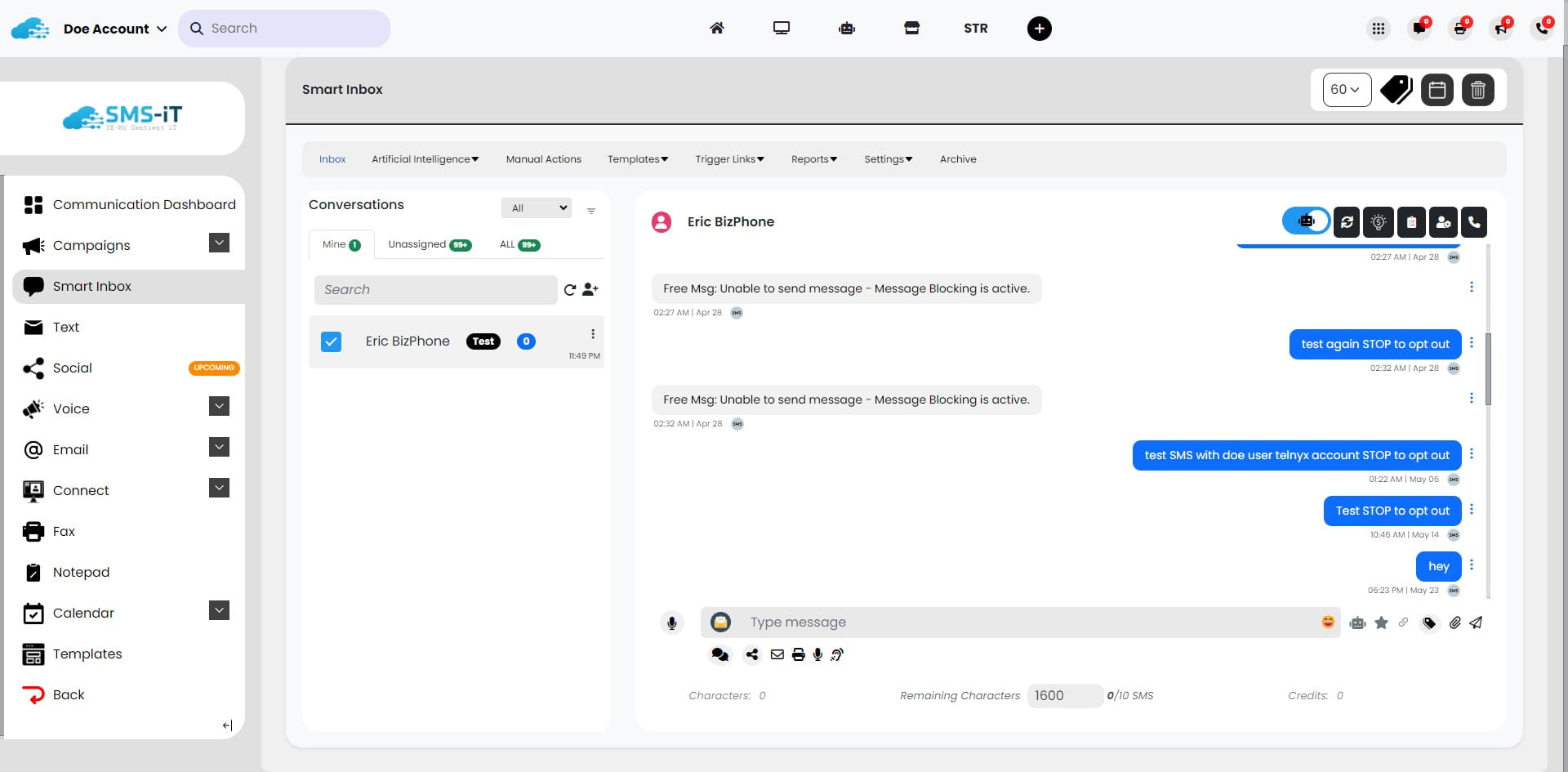
6
Click this icon
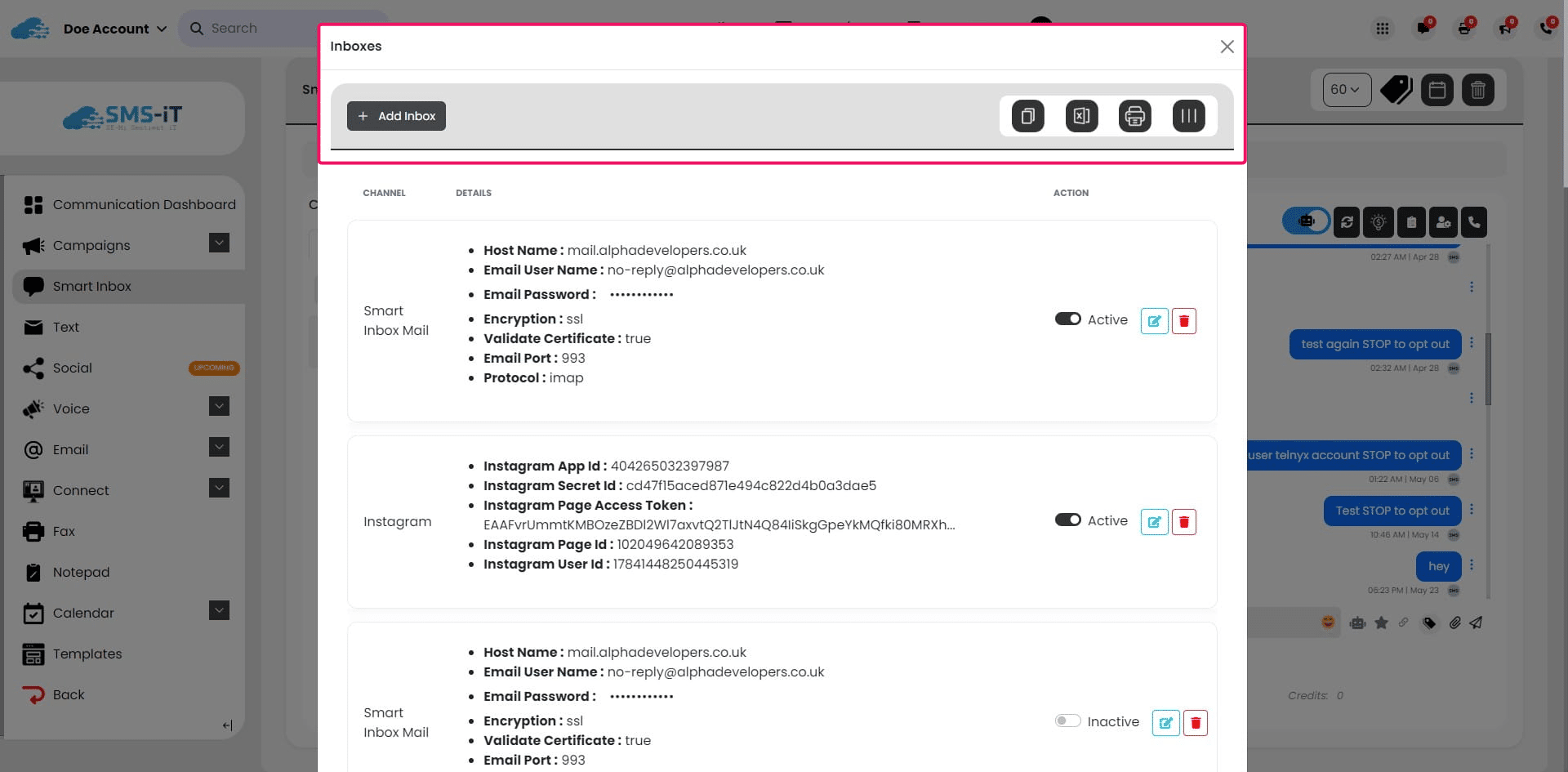
7
Click on "Email"
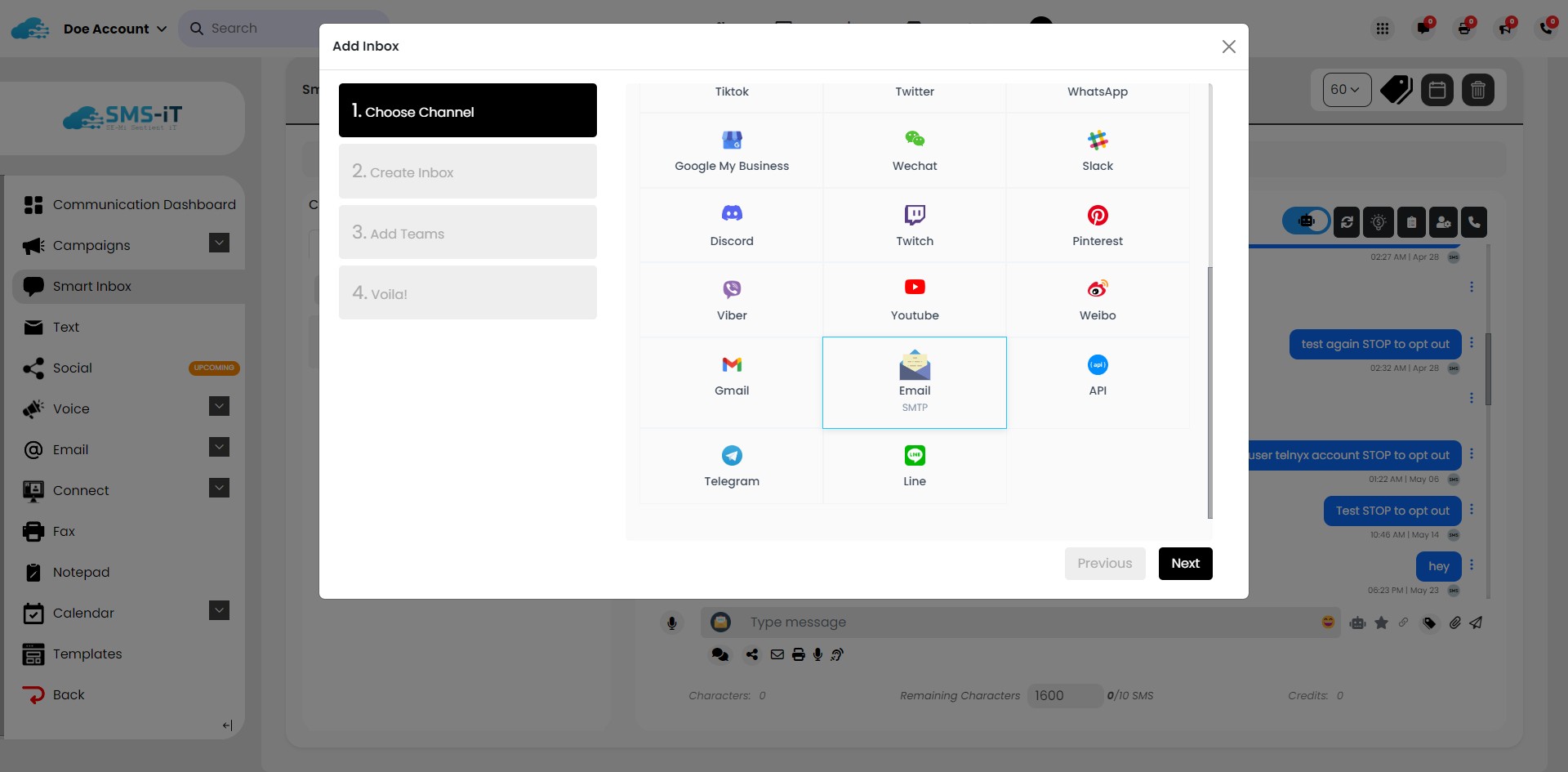
8
Click on "Next"
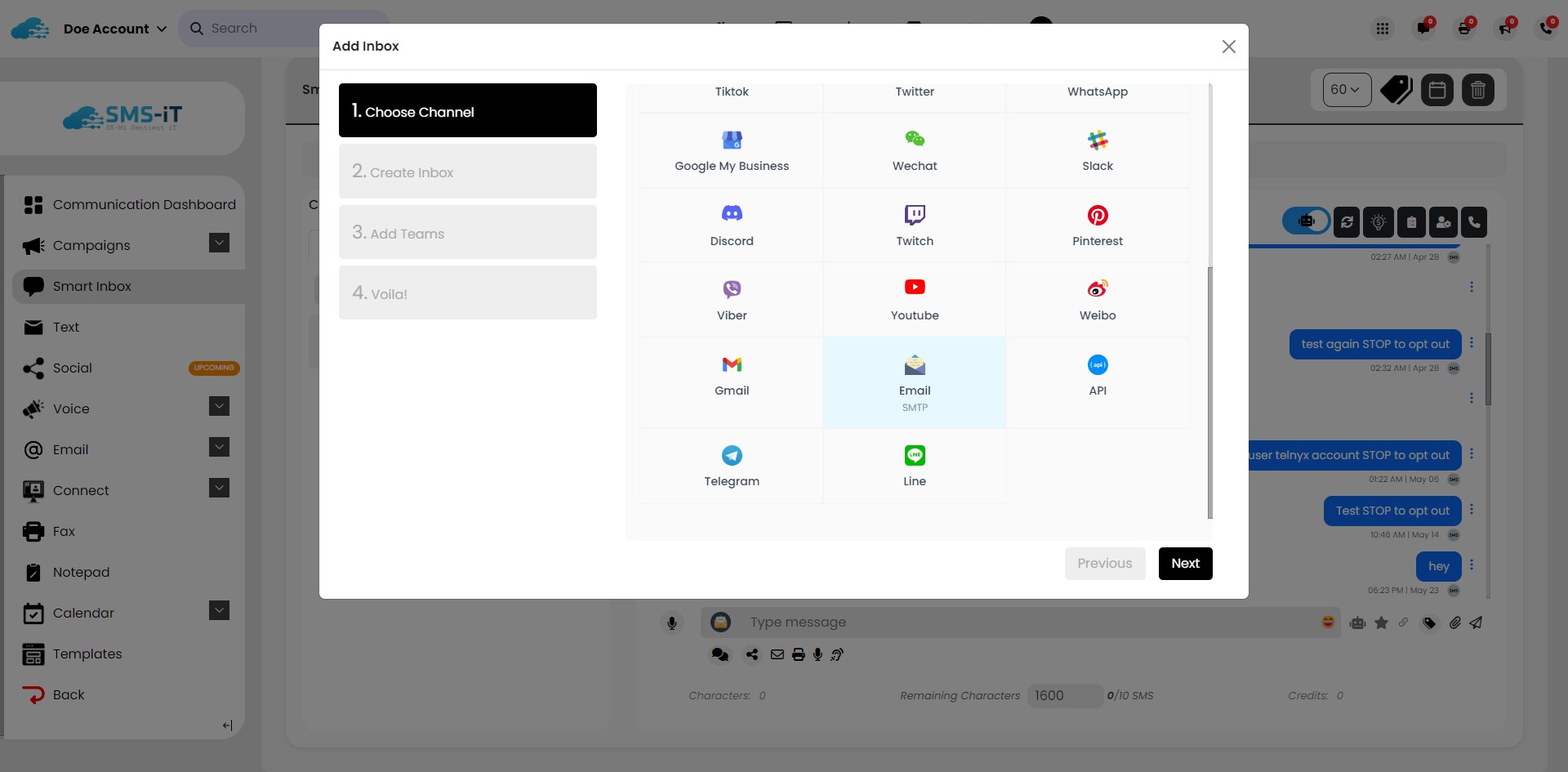
9
Click here
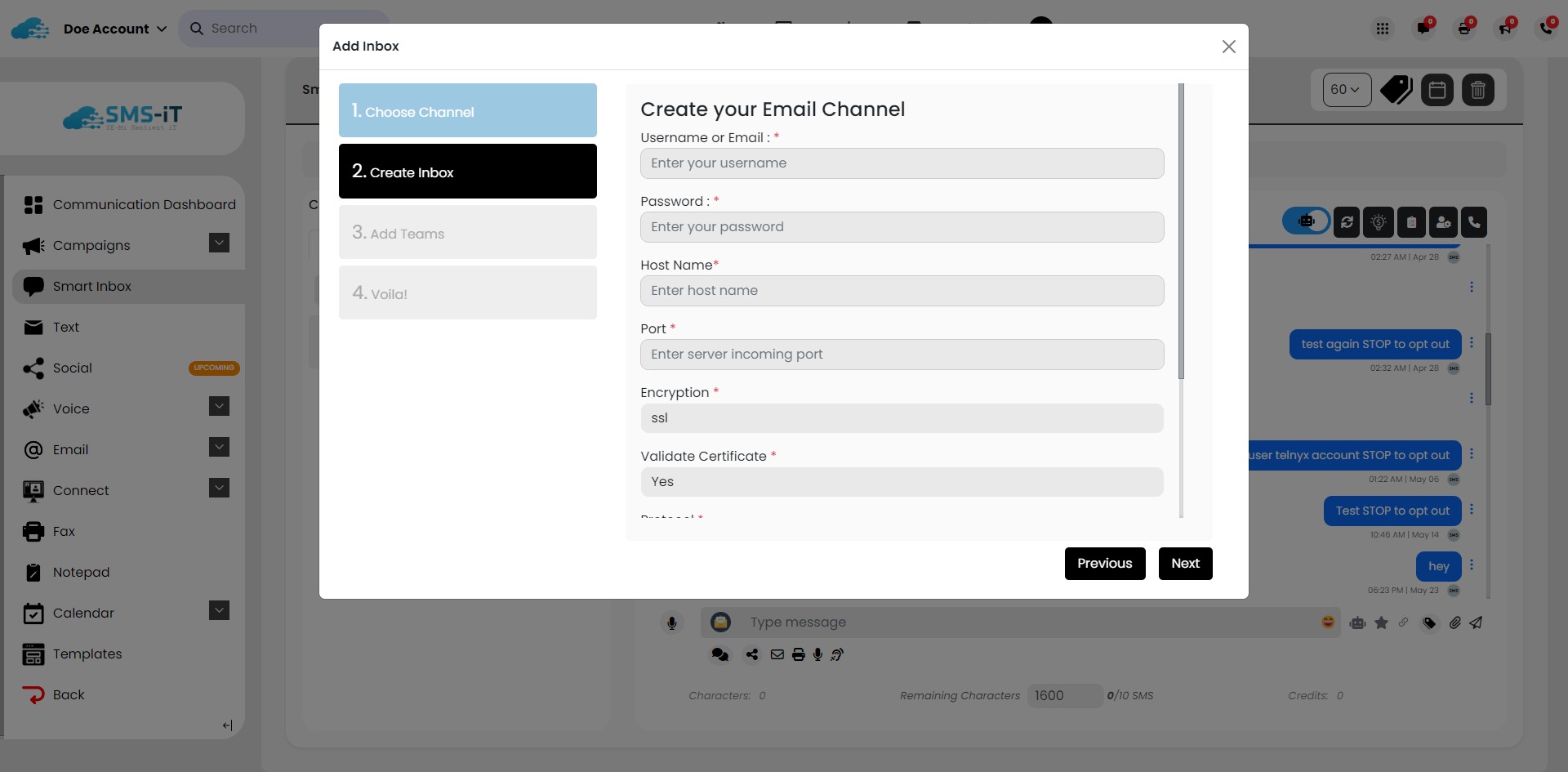
10
Click on "[email protected]"
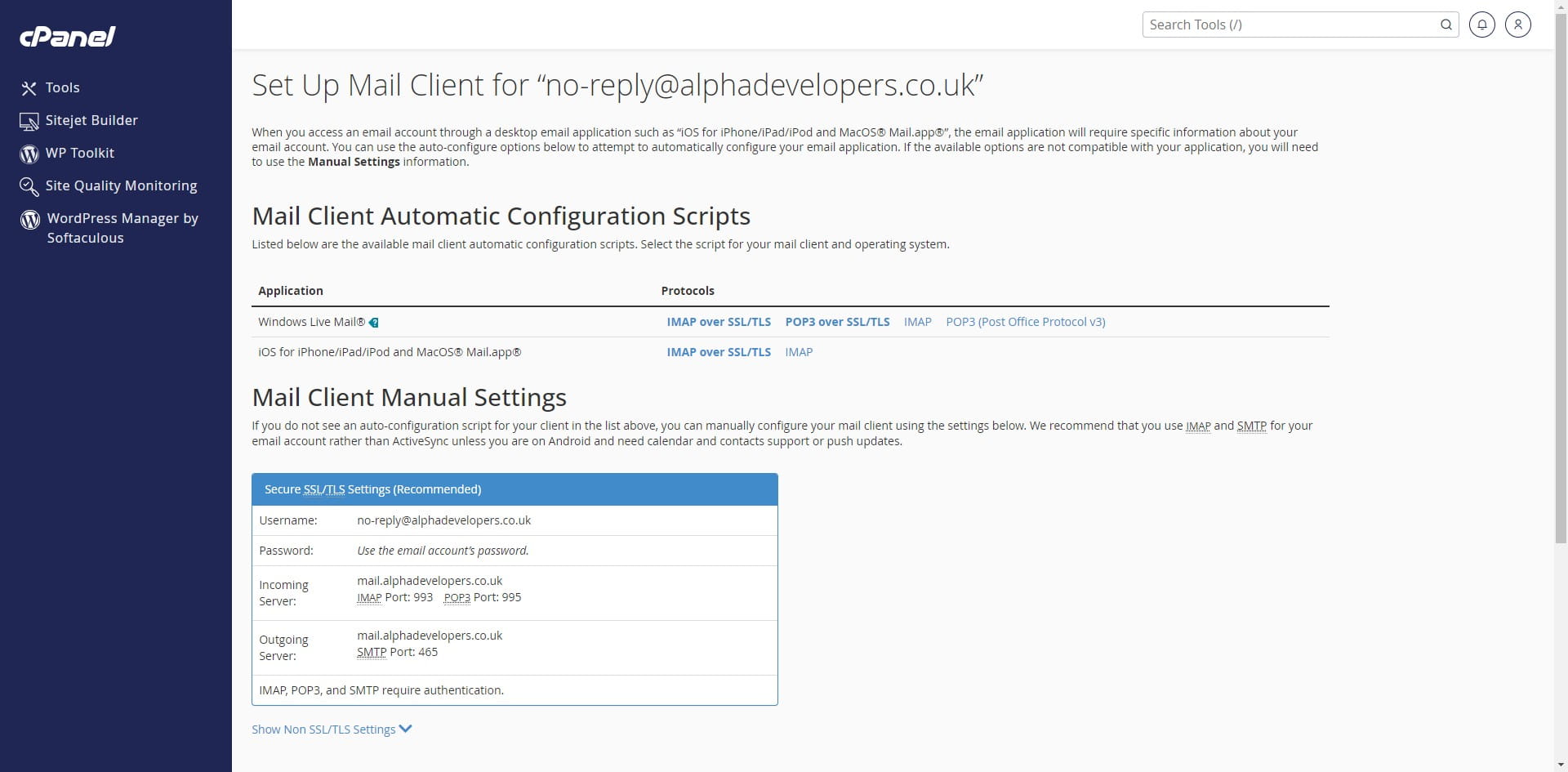
11
Click here
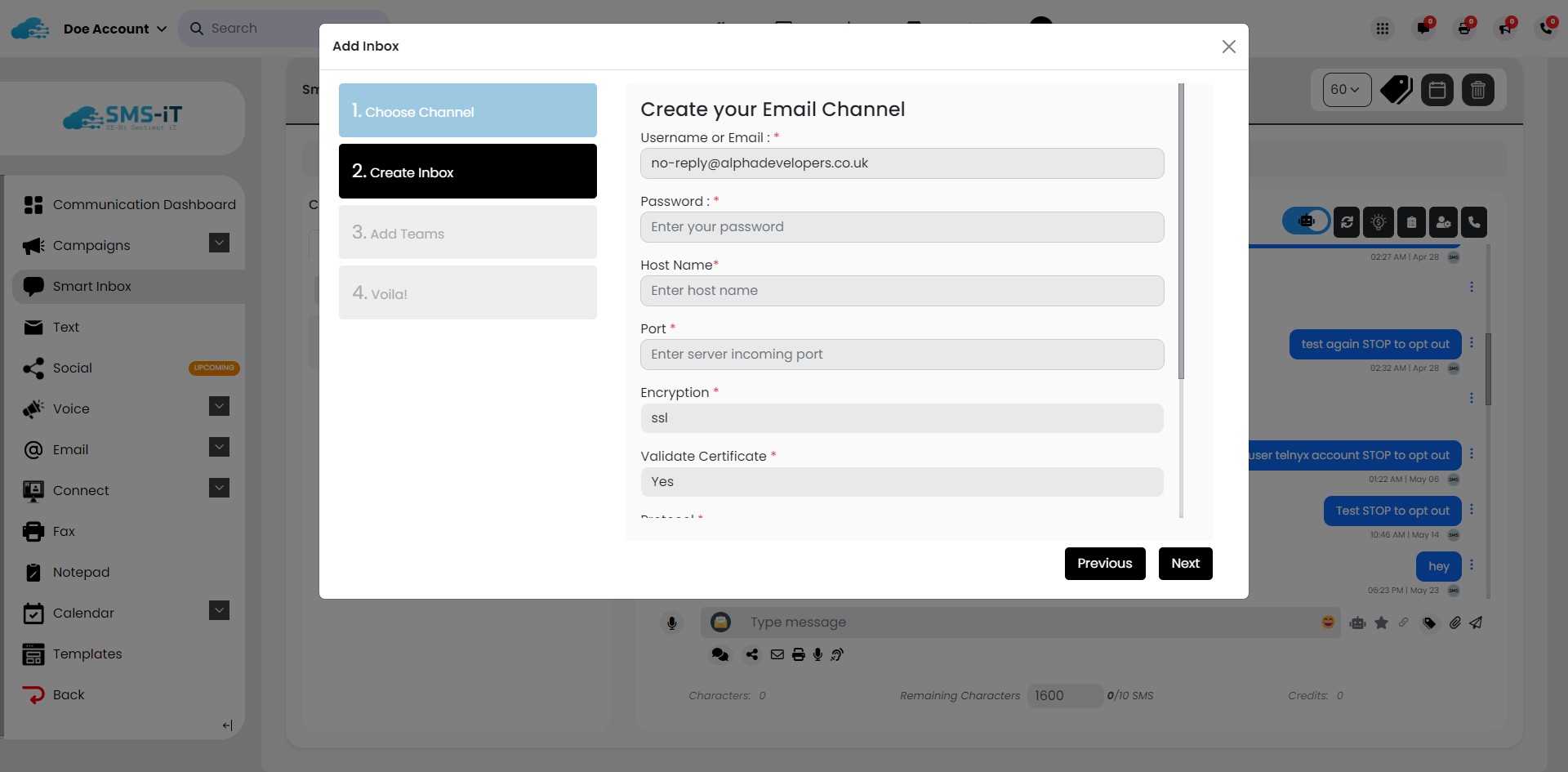
12
Click on "IMAP"
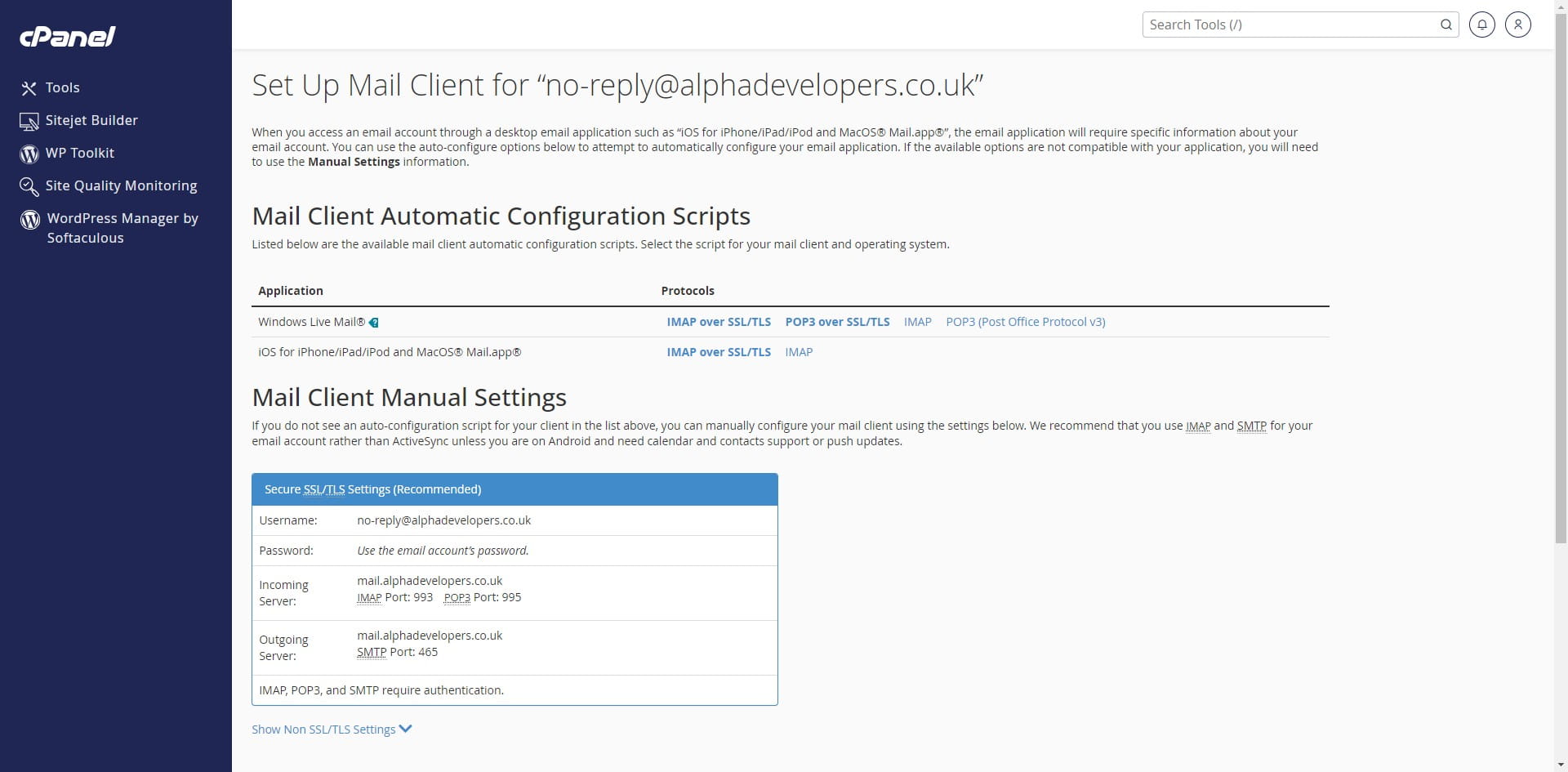
13
Click on "IMAP"
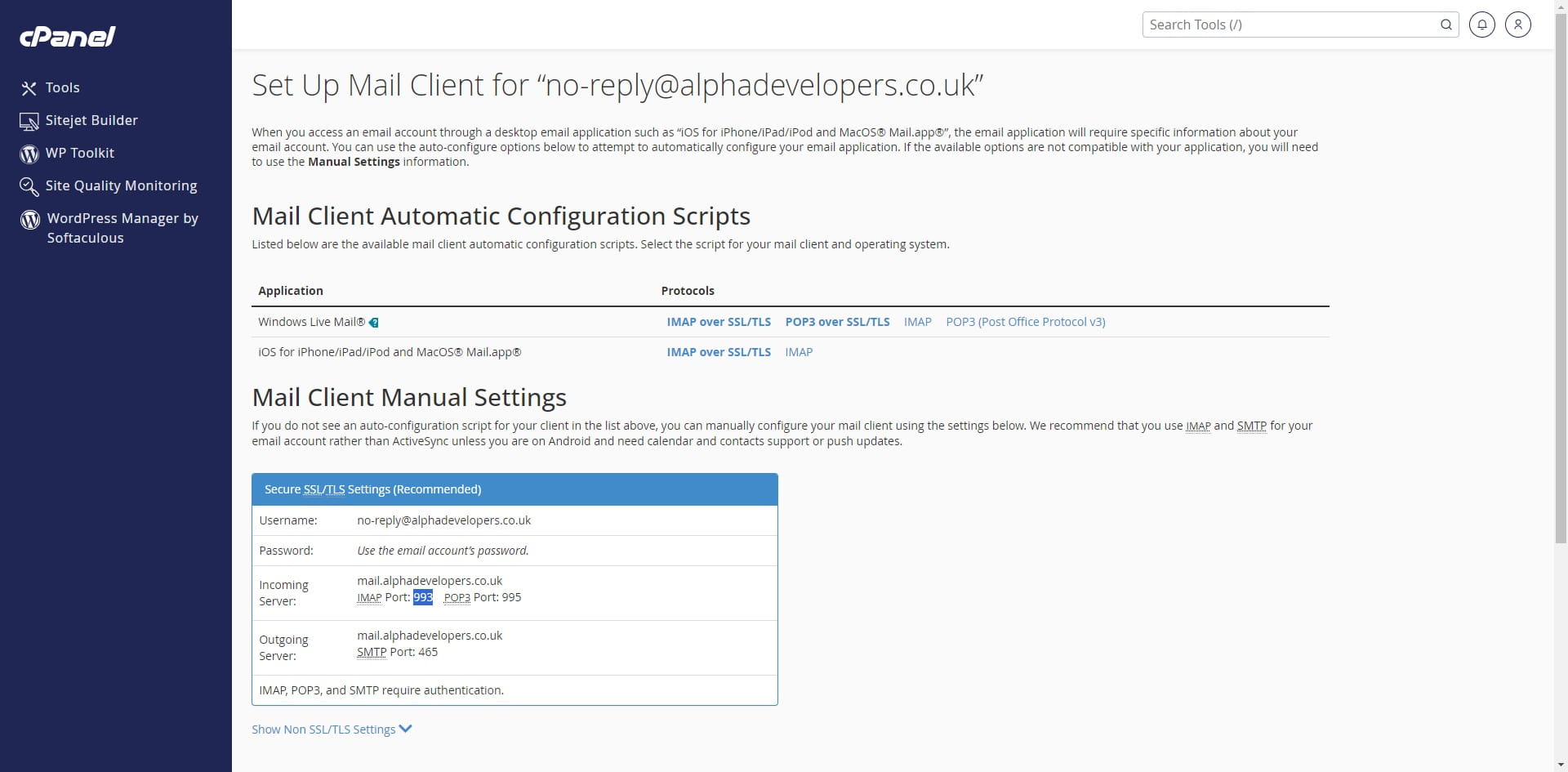
14
Click here
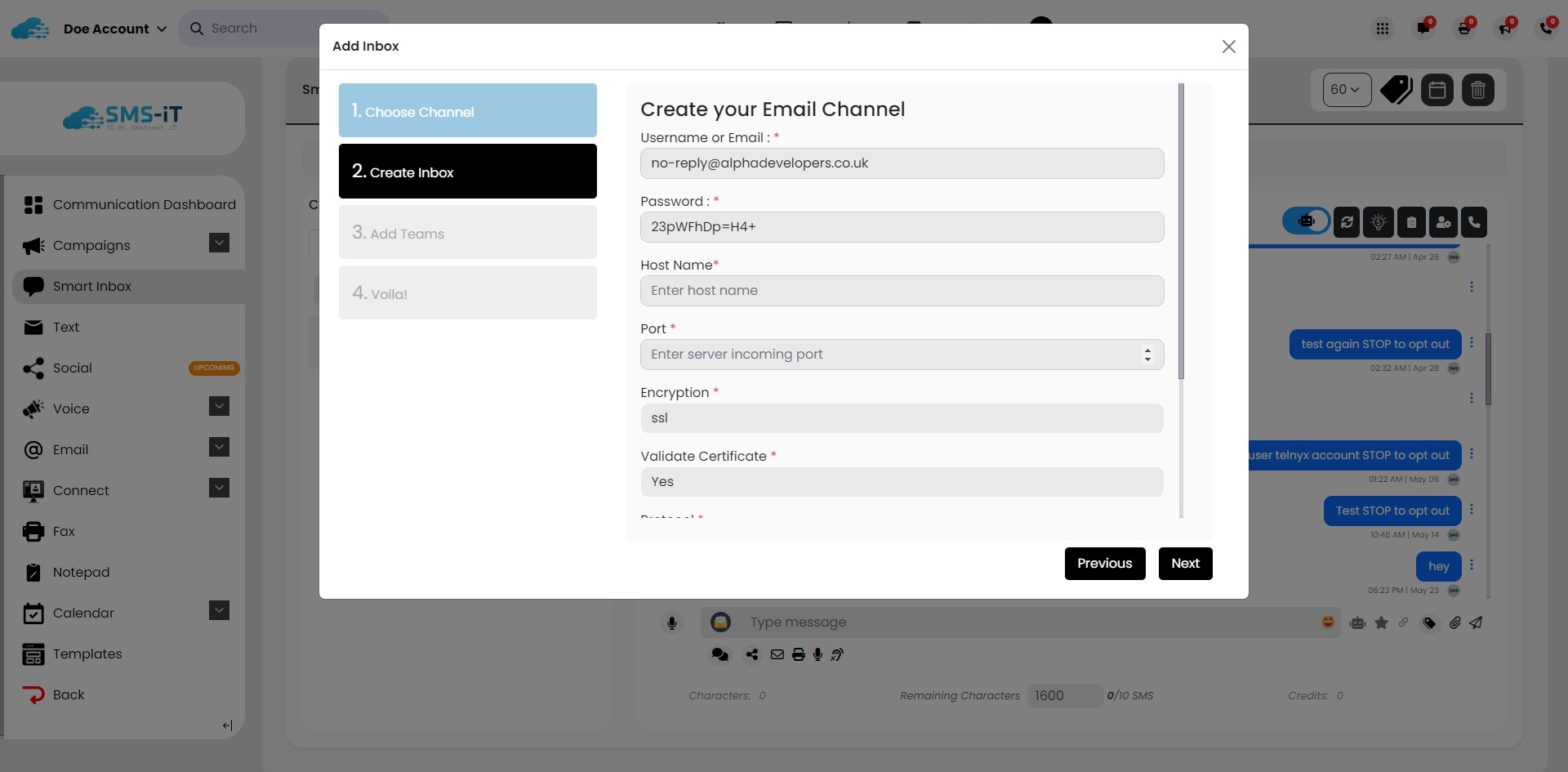
15
Click here
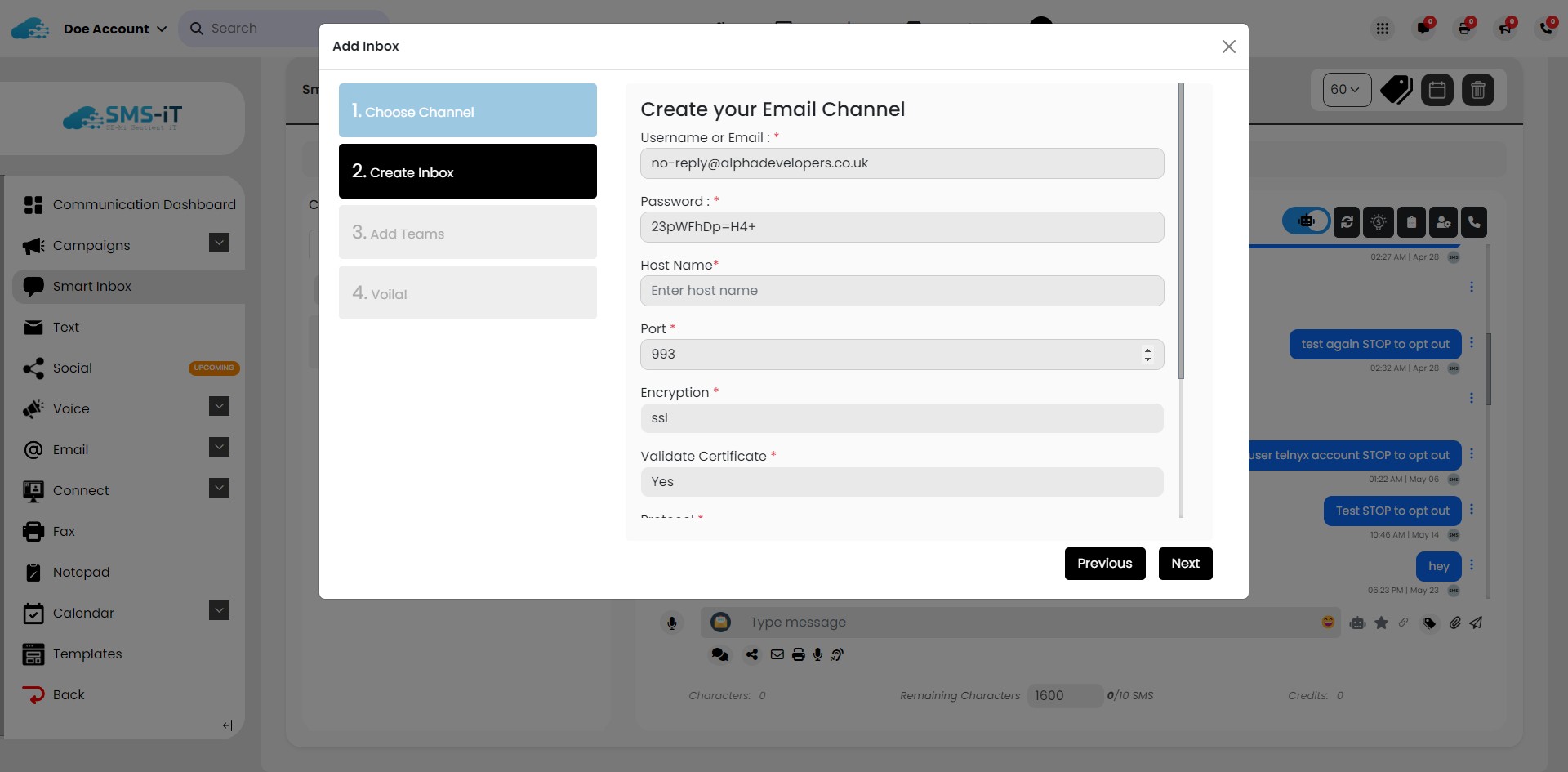
16
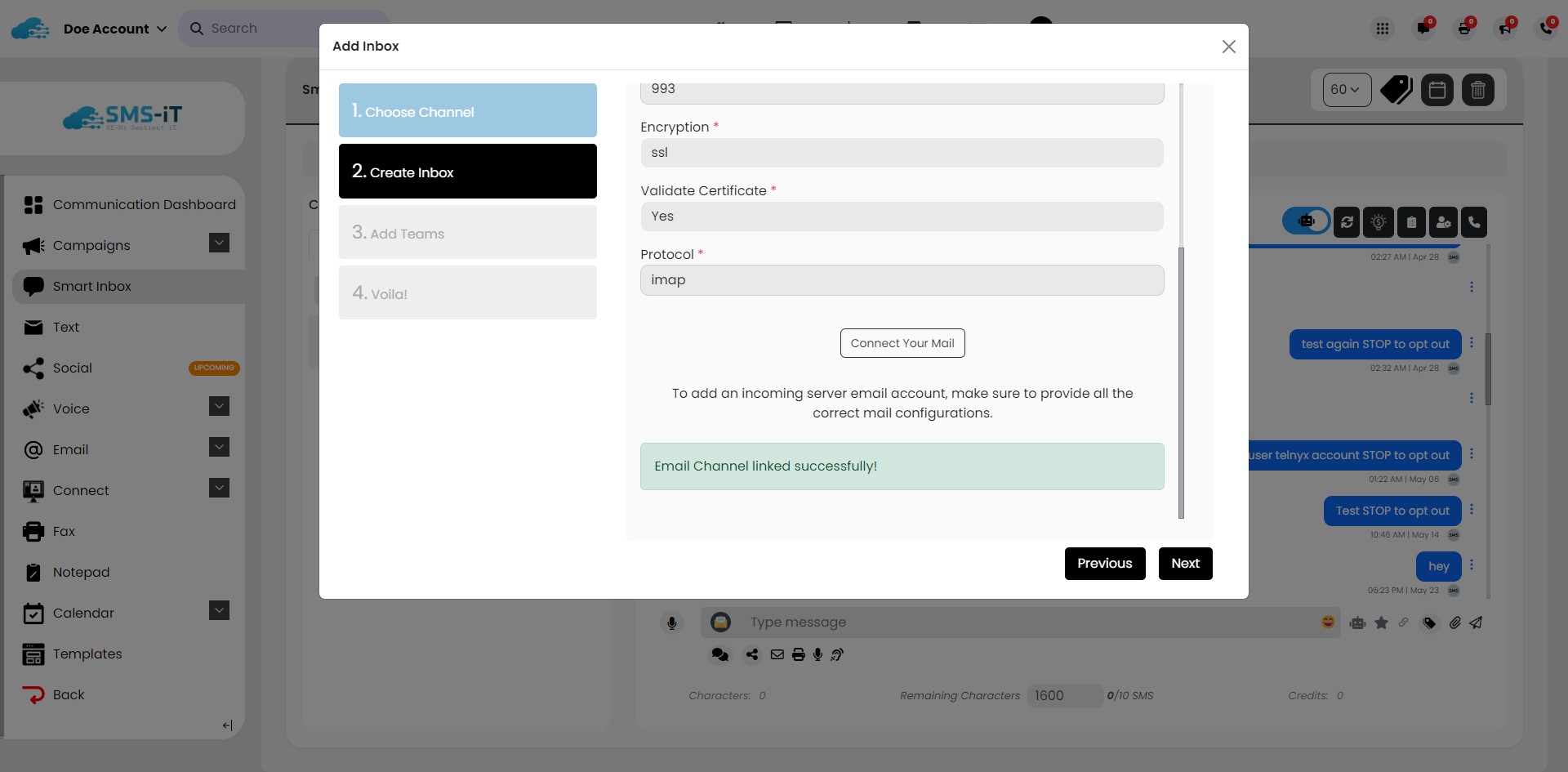
Click on "Connect Your Mail"
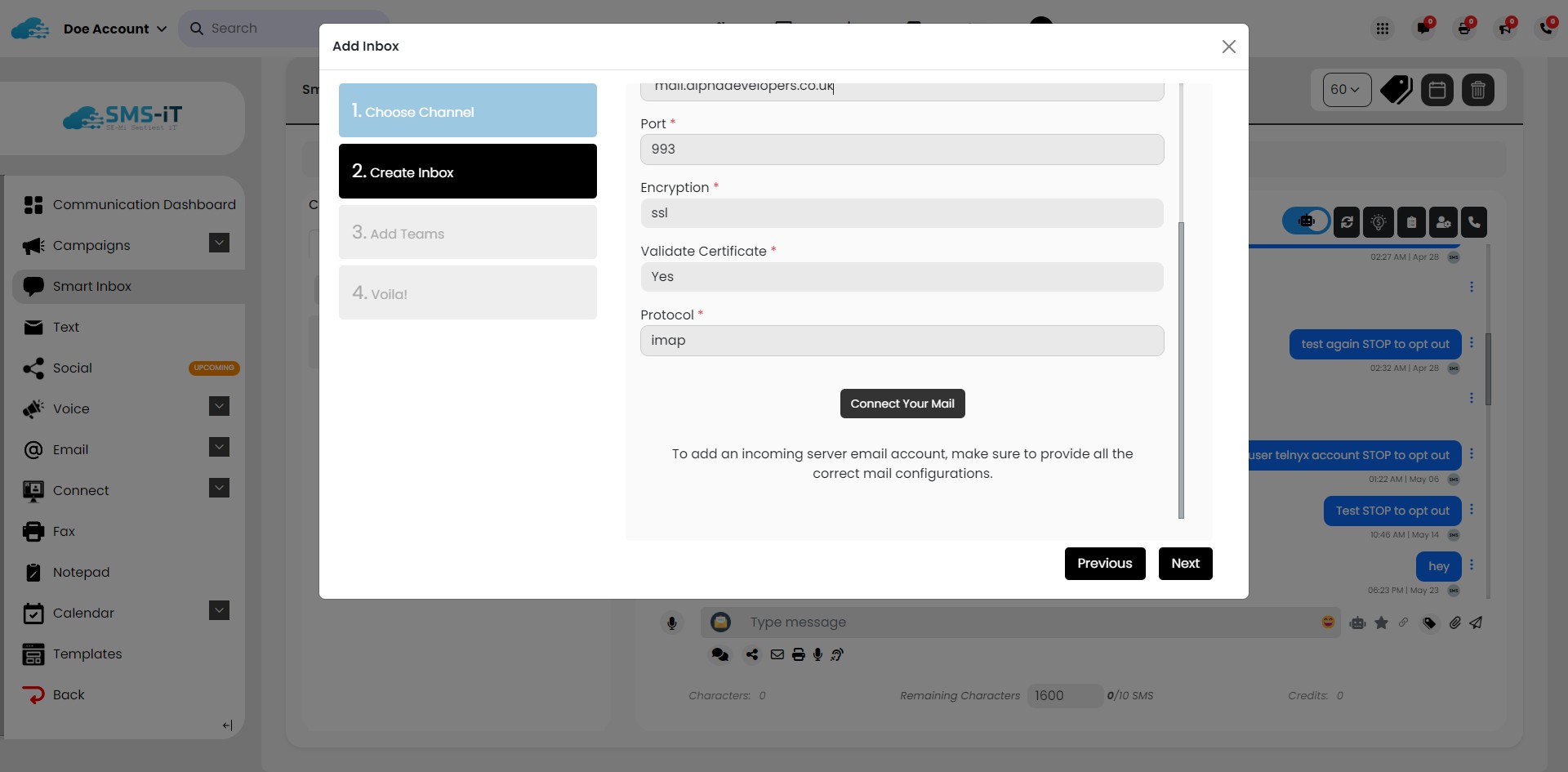
17
Click on "Connect Your Mail"
18
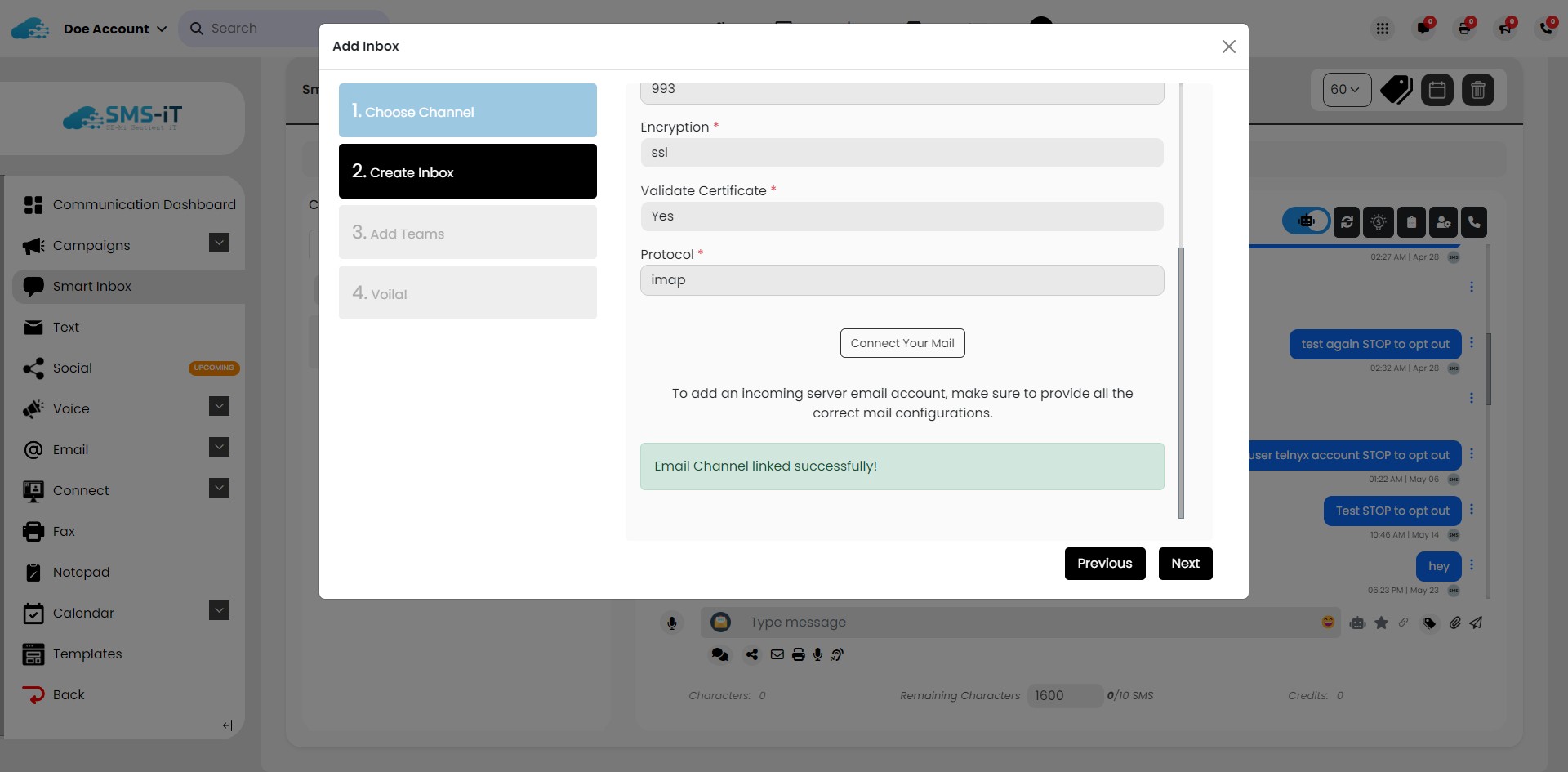
Click on "Next"
19
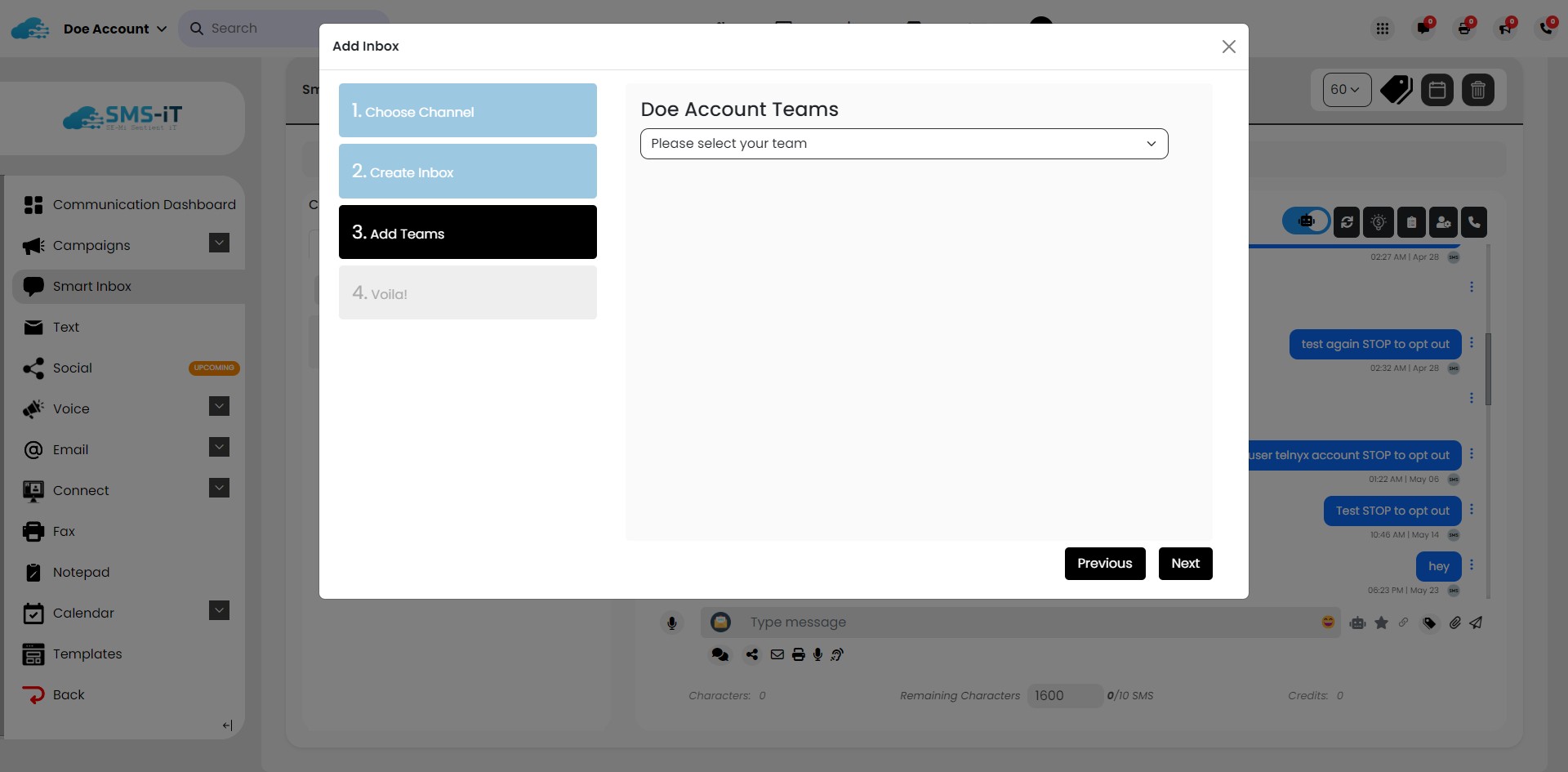
Click on "Next"
20
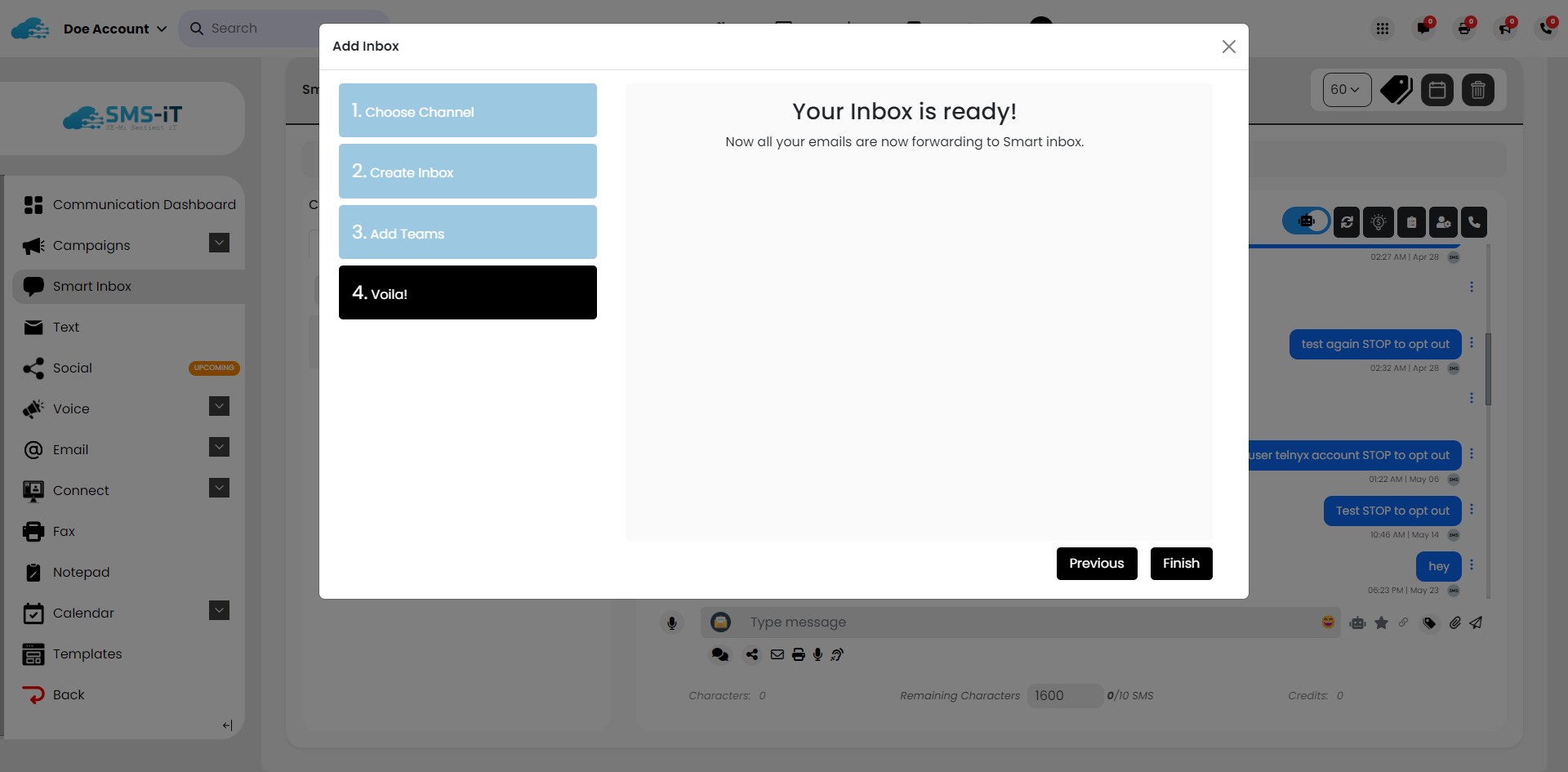
Click on "Your Inbox is ready!"
21
Click here