

9. Integrations
Navigate to https://aicpanel.smsit.ai/home
SMS-iT CRM seamlessly integrates with numerous platforms, expanding its functionality and enhancing your workflow.
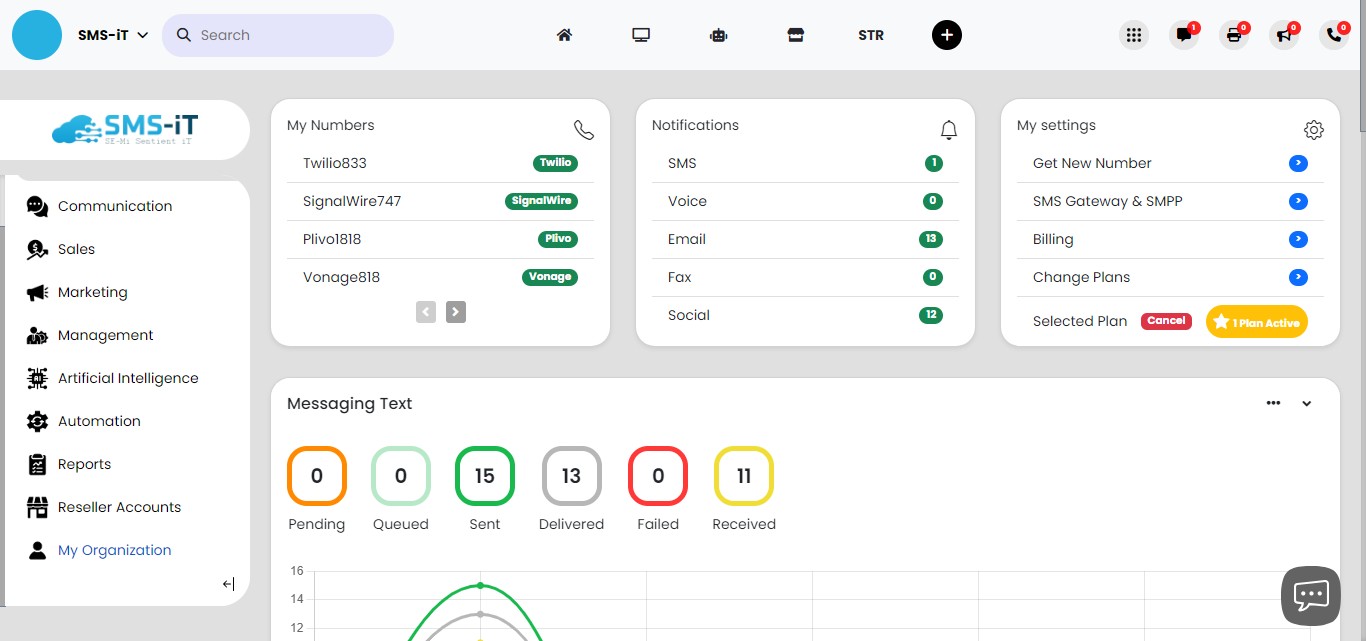
Click on "My Organization"

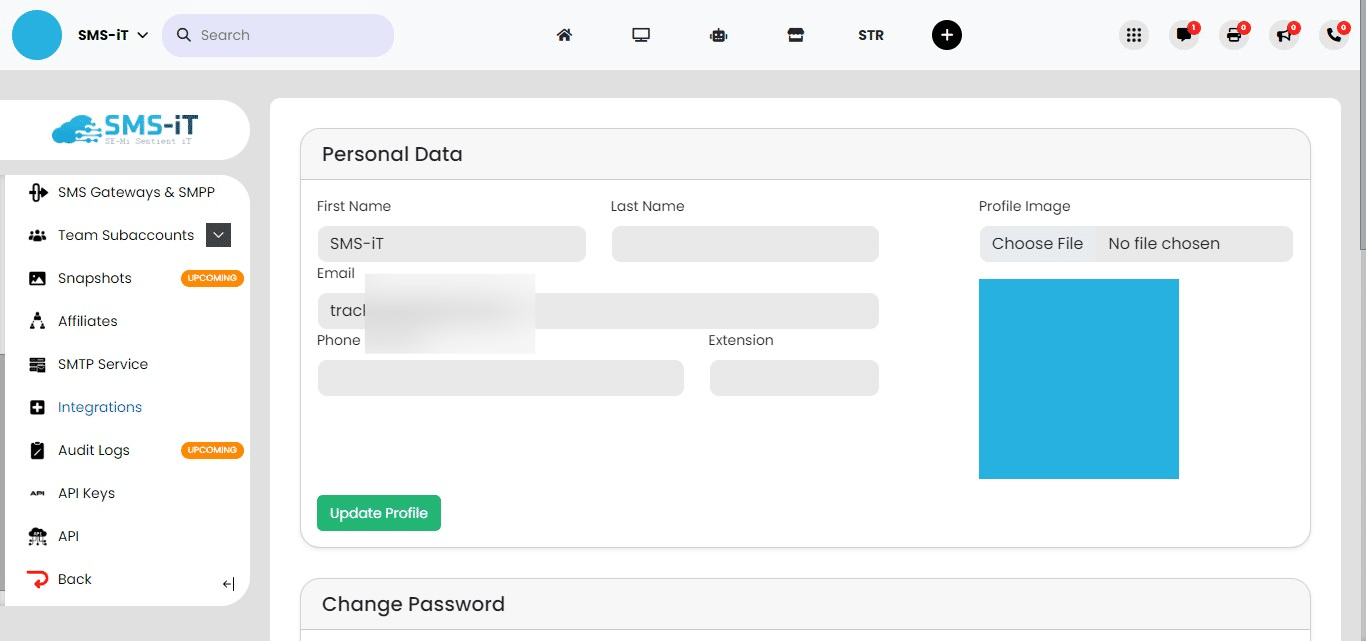
Click on "Integrations"
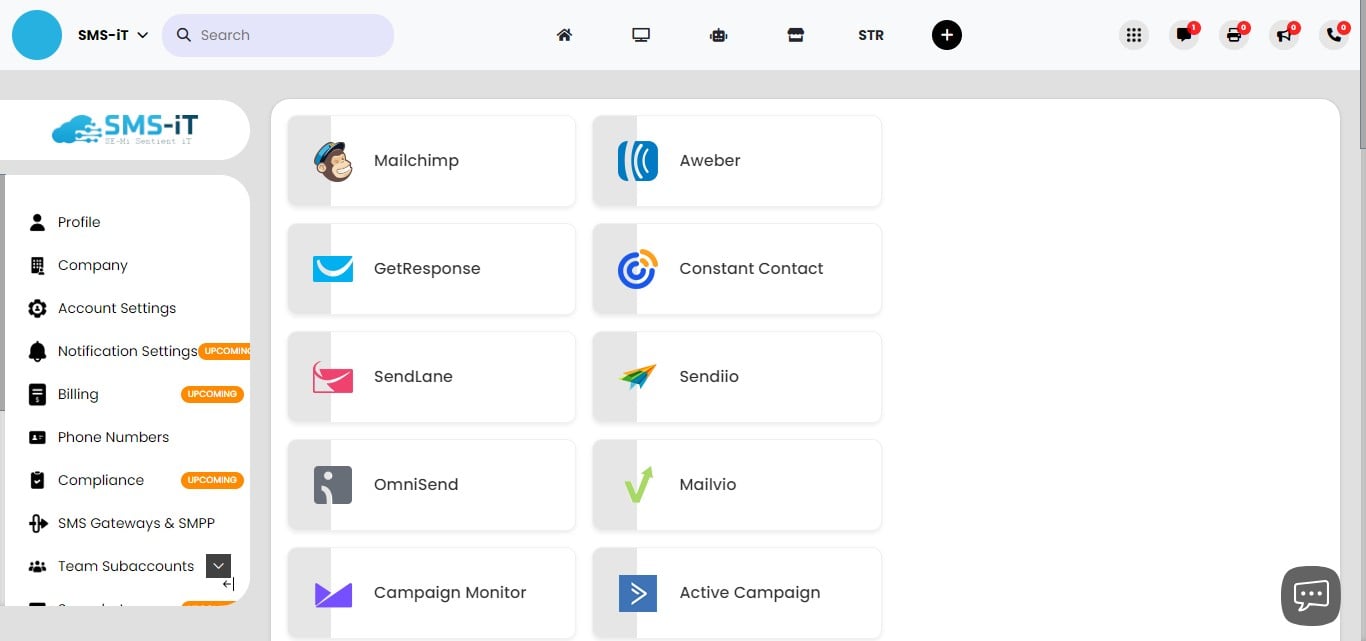
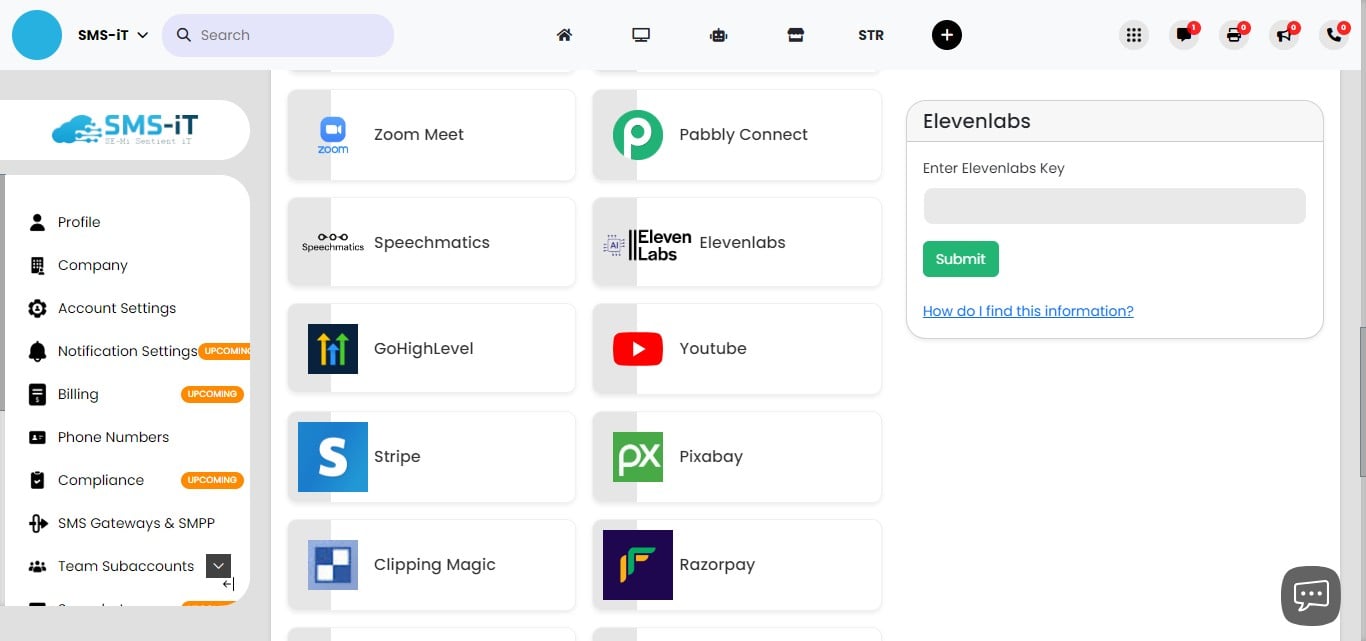
Browse through the list of available integrations. Select the ones that align with your business needs. You can scroll down to explore all options.
For example, to integrate with Google Meet, locate the Google Meet option and enter your Google Meet API Key in the designated field.
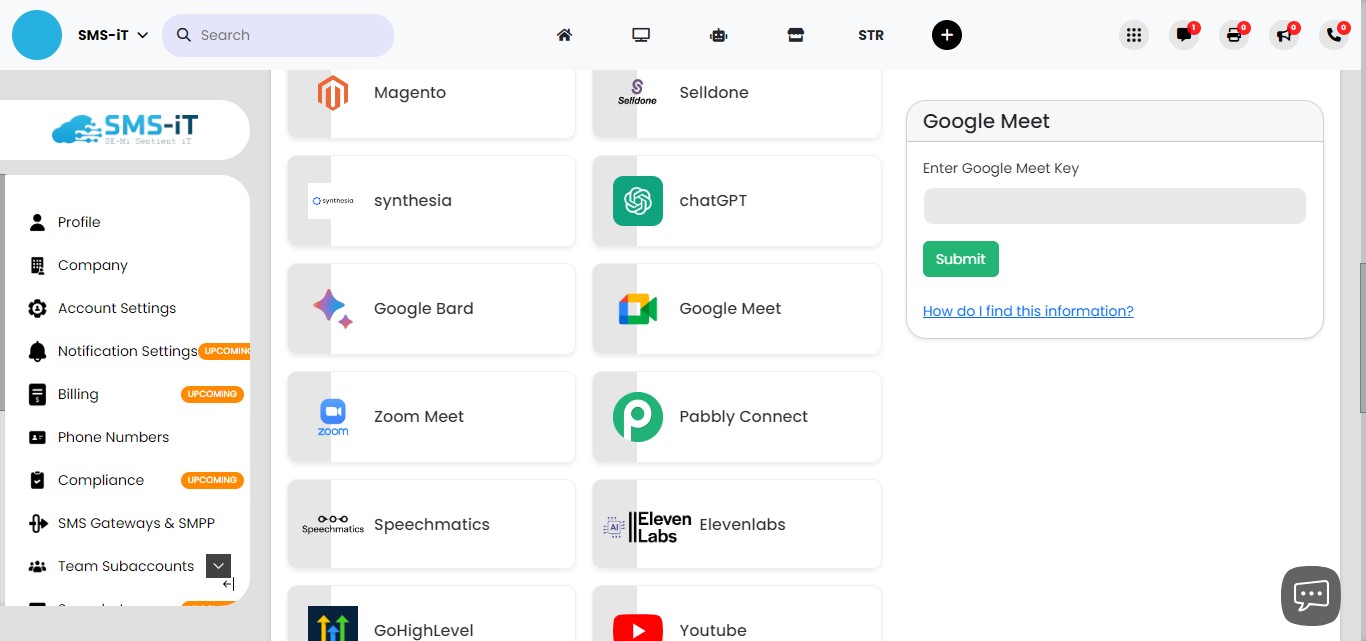
Similarly, if you wish to integrate with Elevenlabs, find the Elevenlabs option and input your Elevenlabs API Key in the provided space.
SMS-iT CRM's robust integration capabilities make it an invaluable tool for marketing agencies, small businesses, solo entrepreneurs, and professionals such as doctors and lawyers. By seamlessly connecting with a wide array of platforms, SMS-iT CRM enhances workflow efficiency, improves communication, and provides a centralized hub for managing various aspects of your business. Whether you're looking to streamline your operations, improve client interactions, or expand your service offerings, SMS-iT CRM's integration features offer the flexibility and power to take your business to the next level.